Insights

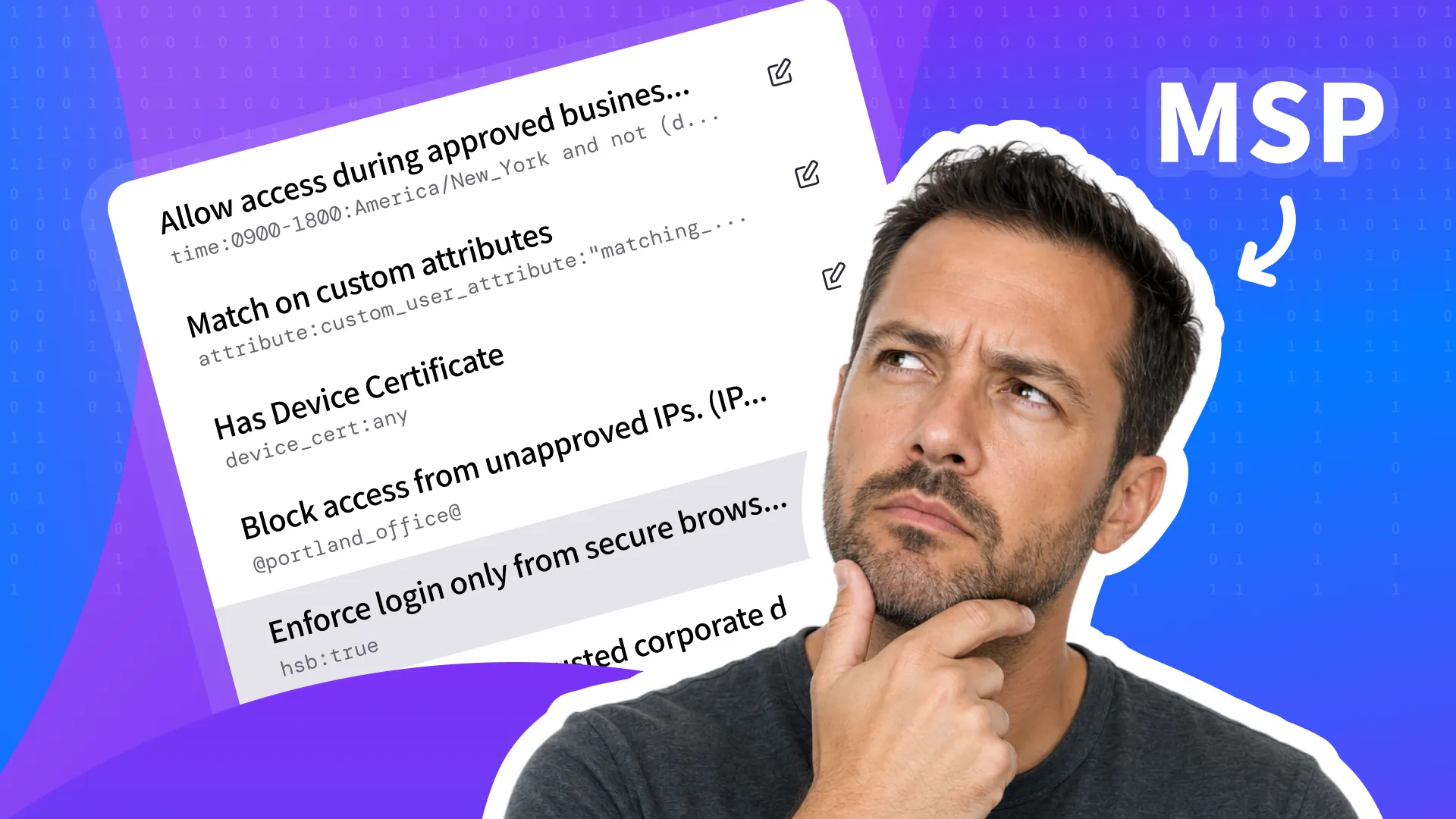
The password is correct.
The MFA prompt is approved.
Access is granted.
On paper, everything worked the way it was supposed to.
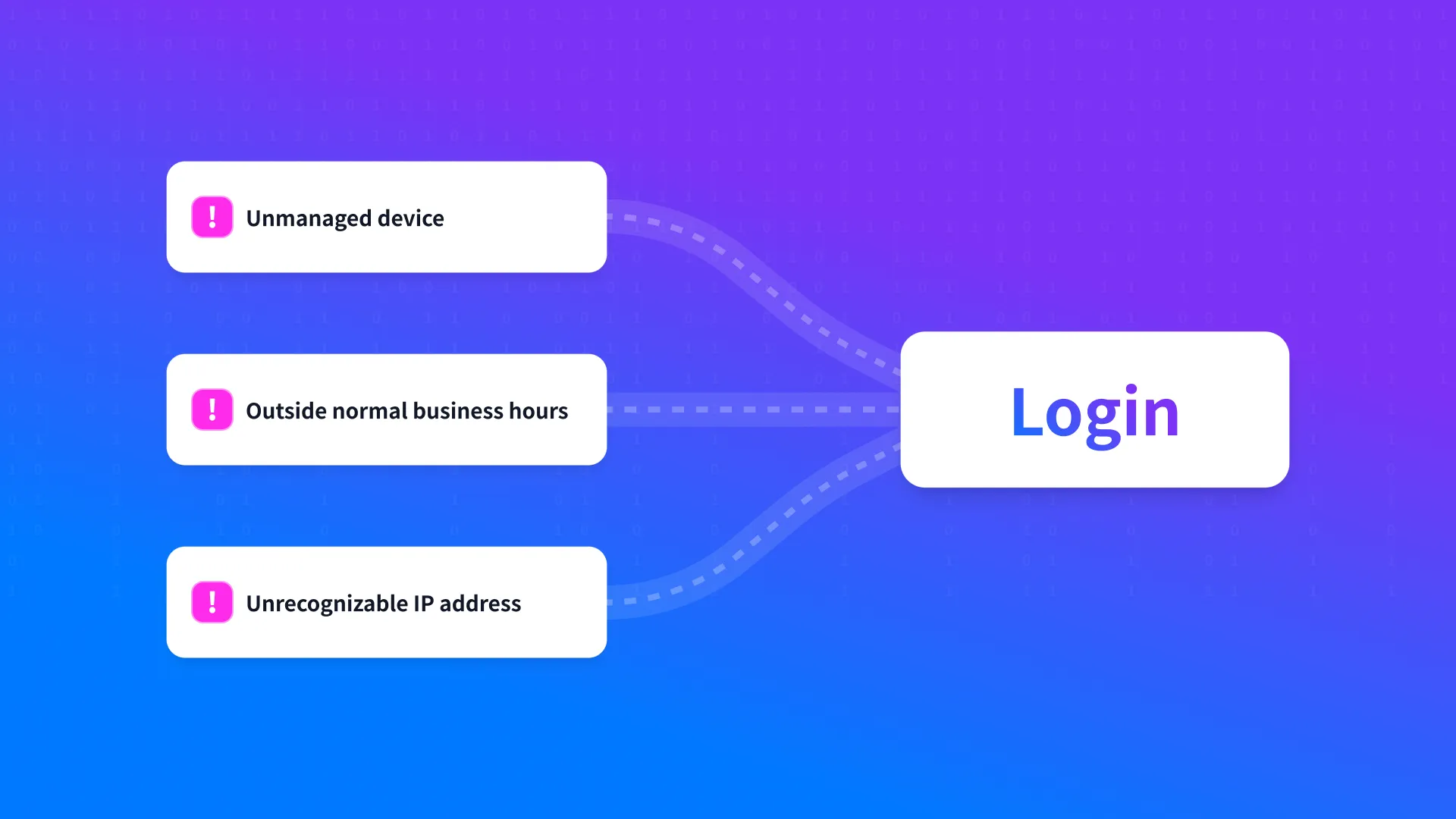
But the login came from an unmanaged device, outside normal business hours, from an IP address no one would recognize. The user got in because the system verified the credentials. What it never asked was whether that access should have been trusted in the first place.
That is the gap MSPs are being asked to close.
For years, multi-factor authentication has been treated as the milestone that separates basic identity security from real protection. It remains essential, and every MSP should be enforcing it. But for many SMB clients running on Microsoft 365 Business Standard and relying on Entra ID Free, that is often where identity control stops. MFA only answers one question: did the user successfully prove who they are? It does not answer the next one, which is becoming far more important in modern client environments: should this user be allowed to access this system under these conditions?
That is where conditional access comes in.
Conditional access gives MSPs a way to move beyond basic login protection and apply policy to how access is actually granted. Approved devices, approved IP ranges, office hours, and user roles all become part of the decision. Instead of treating every successful login the same way, MSPs can start managing access based on real context.
That shift matters because SMB environments are no longer operating in neat, predictable conditions. Users work remotely, switch devices, log in at odd hours, and move across SaaS platforms all day. In that reality, “password plus MFA” is no longer the same thing as managed access.
For MSPs, conditional access is becoming the difference between enabling stronger identity security and simply hoping the login was legitimate.
MFA Solves One Problem. Conditional Access Solves the Next One
Multi-factor authentication raised the security baseline by making passwords alone less useful to attackers. That change mattered, and it still does. Any MSP working with SMB clients should treat MFA as a standard requirement, not an optional upgrade.
But MFA was never designed to answer every access question.
Its job is to verify that the person attempting to log in can complete an additional authentication step. Once that happens, the system often treats the request as trustworthy without asking much else. That leaves room for problems MFA was never meant to solve on its own, including approval-based attacks such as MFA fatigue, where repeated prompts are used to pressure users into accepting a request they never should have trusted.
In practice, the more important access decision often comes immediately after authentication succeeds.
A login may be coming from a device the organization does not manage. It may originate from an IP range that’s never been approved. It may happen outside the hours when that user normally works. It may involve a privileged account that should only be used under tightly controlled conditions. None of those issues is resolved simply because the MFA prompt was approved.
That’s the gap conditional access is meant to close.
Conditional access allows MSPs to decide whether access should be granted based on the conditions surrounding the request, not only the credentials used to initiate it. It turns authentication into a policy decision shaped by device certificates, IP ranges, time, and user role rather than a one-time password check.
This distinction matters because the threat model has changed. Identity abuse no longer depends only on stolen passwords. Attackers can work through phishing-resistant-looking flows, session theft, approved devices that are no longer trustworthy, and accounts being used under conditions that should have triggered more scrutiny. In that environment, MFA remains necessary, but it’s not the final control.
MFA proves a user has credentials. Conditional access decides whether access should be trusted.
What Conditional Access Actually Means in Practice
Conditional access is often described as a feature, but for MSPs it’s more useful to think of it as a way to make access decisions enforceable.
Instead of treating every successful login as equally acceptable, conditional access allows policy to shape whether access should be granted under the conditions of that request. The identity may be valid, but the surrounding context still matters.
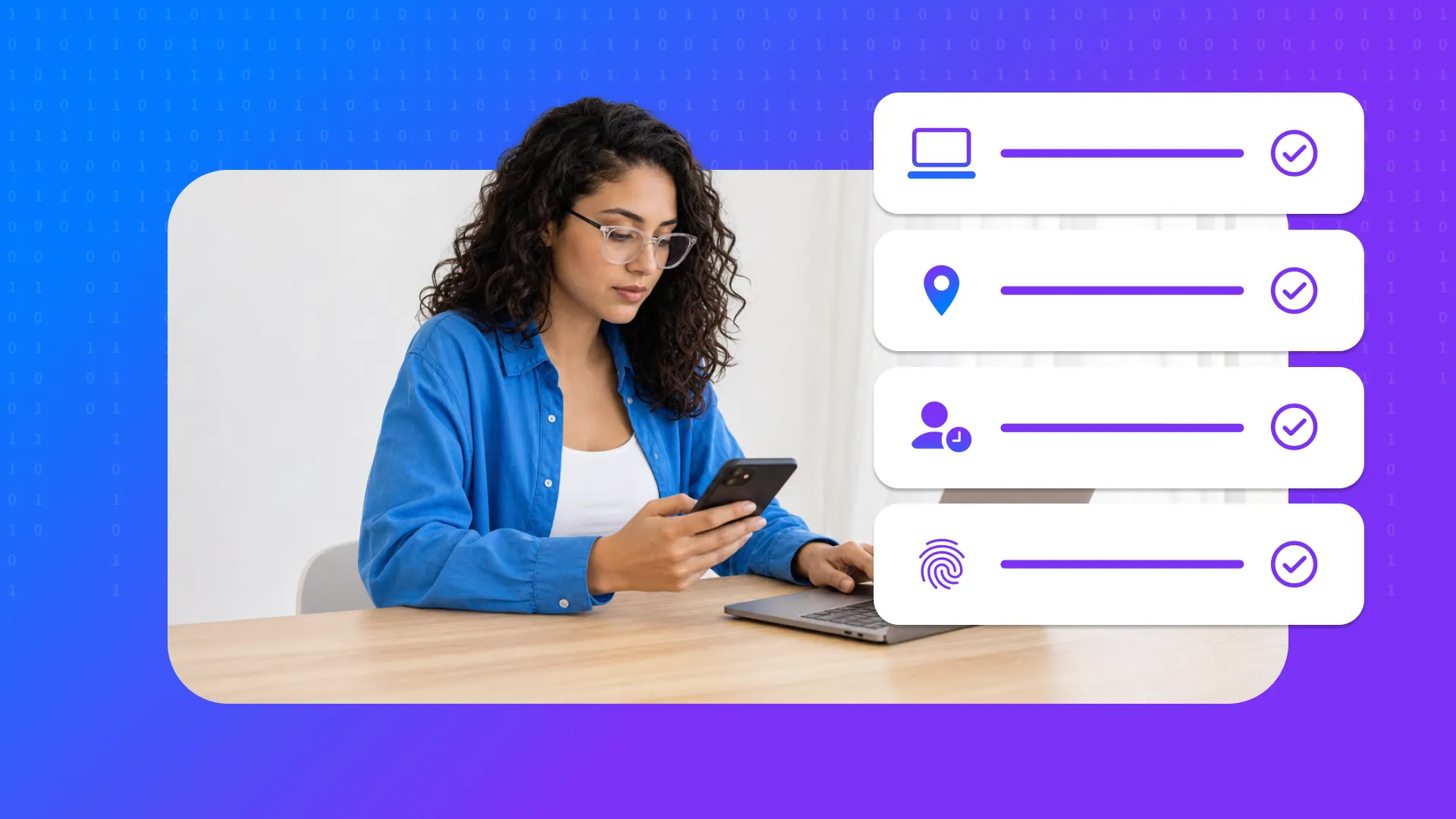
In practice, that means access can be evaluated based on factors such as:
whether the device is trusted
whether the request is coming from an approved IP range
whether the login is happening during expected working hours
whether the user or group should be held to stricter requirements
That changes the role of identity security in a meaningful way. Authentication is no longer just a gate at the beginning of the session. It becomes part of a broader access policy that reflects how the client environment is supposed to operate.
For MSPs, this is what turns identity protection into managed access.
A finance user accessing a payroll system should not be treated the same way as a general employee opening email. An administrator signing in outside office hours from an unfamiliar network should not be evaluated the same way as a known user connecting from an approved office IP range. Conditional access gives MSPs a way to define those differences clearly and enforce them consistently.
This also makes security easier to explain to clients. The conversation moves beyond “we added MFA” and into a more practical standard: access is allowed when the right user connects under the right conditions.
Conditional access is a policy-based way to decide whether access should be granted based on conditions such as device certificates, IP range, time, and user role—not just whether the password and MFA were correct.

Why Basic MFA Still Leaves Gaps in Real Client Environments
Client environments rarely stay neat for long.
Users move between home and office, work from personal and company-issued devices, and access SaaS platforms at all hours of the day. In many SMB environments, that flexibility isn't treated as an exception. It’s simply how work gets done.
That creates a problem MFA was never built to solve. Once the second factor is completed, the login is often treated as valid without much attention to the surrounding conditions. The user may be authentic, but the device may be unmanaged, the IP range may be unknown, and the timing may be inconsistent with how that account is normally used. Access still moves forward because the system has verified identity, not judgment.
This becomes more difficult for MSPs because those conditions are not consistent from client to client. One environment may have clear device standards and well-defined office hours. Another may depend on contractors, shared machines, and loosely managed remote access. If every login is treated the same way after MFA succeeds, those differences remain invisible at the point where access is granted.
That’s where the real gap starts to matter. MSPs are no longer just securing accounts. They’re securing access decisions inside environments where context changes constantly. Basic MFA still improves security, but it does not give MSPs enough control to reflect the actual risk of the request in front of them.

What Managed Access Looks Like Across Real Client Environments
Managed access begins with a simple shift in mindset: access should not be treated as a one-time authentication event. It should be treated as a policy decision shaped by the conditions surrounding the request.
For MSPs, that means defining access in more concrete terms. The question is no longer just whether a user can sign in. It’s whether that user should be allowed to reach a given system from that device, through that IP range, at that time, and under that role. Once those conditions are defined, access becomes something the MSP can actually manage rather than merely observe. That saves time in day-to-day operations because policy is doing the work at the point of access, instead of leaving MSPs to rely on manual review, exceptions or cleanup after the fact.
In practice, this creates a more structured model across client environments. Privileged accounts can be held to stricter standards than general users. Sensitive applications can be protected differently from lower-risk tools. Access outside office hours can be limited, and requests from unapproved IP ranges can be denied or challenged. The result is a security posture that reflects how the client environment is supposed to operate, rather than assuming every successful login deserves the same level of trust.
That also changes the operational side of service delivery. MSPs spend less time relying on exceptions, individual judgment, or after-the-fact cleanup when policies are already doing the work at the point of access. Managed access creates a cleaner standard to apply across clients, which makes identity security easier to support, explain, and package as part of an ongoing service.
Why This Is Becoming a Business Requirement, Not Just a Security Upgrade
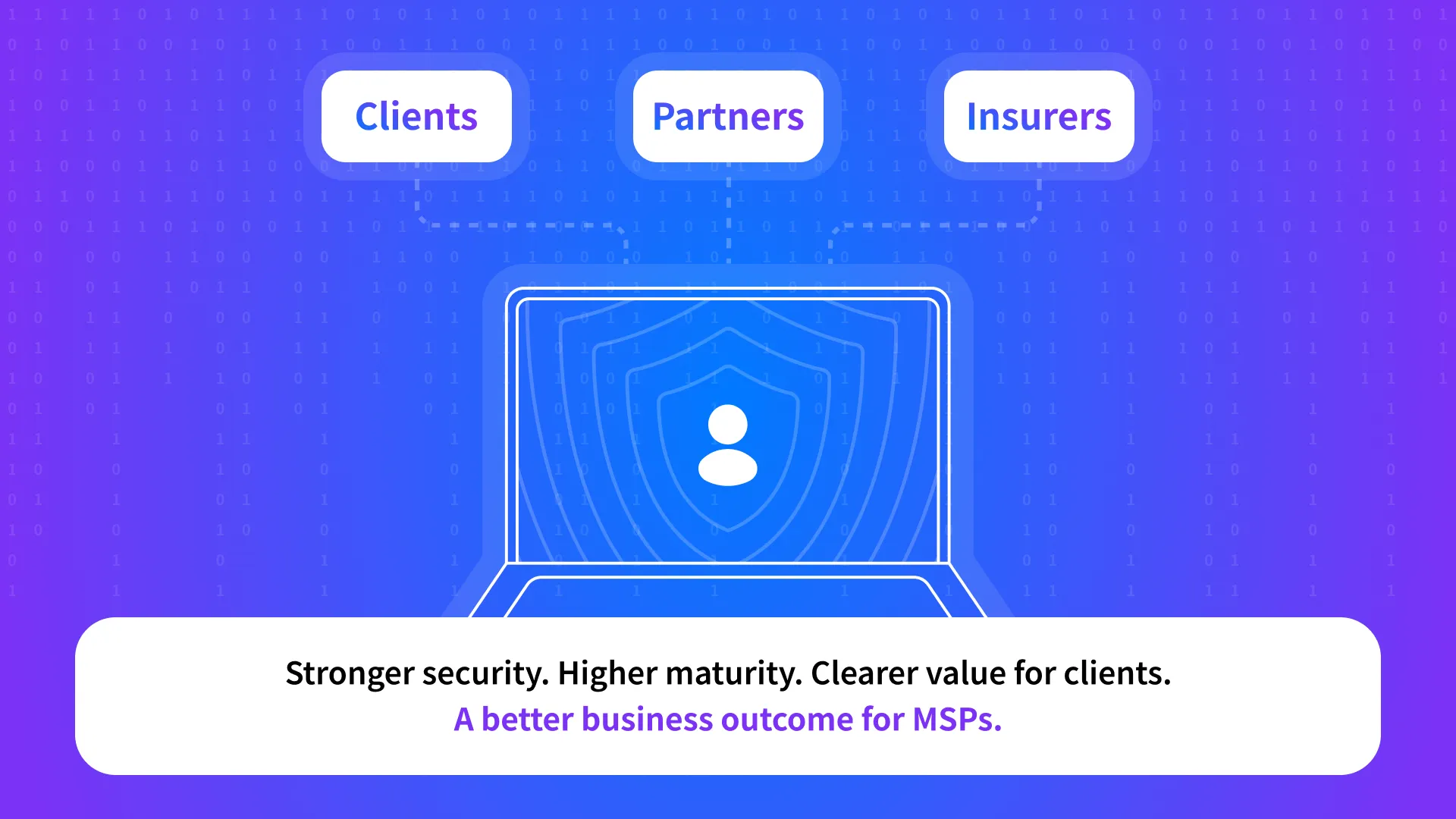
Conditional access is starting to matter for reasons that go beyond good security architecture. It is becoming part of what clients, partners, and insurers increasingly expect to see around privileged access and sensitive systems.
For SMBs, that shift may not always arrive as a formal compliance program. More often, it shows up as a change in what “reasonable security” now means. Enabling MFA once felt like a meaningful step forward. Today, that is increasingly seen as the baseline. The next question is whether access is being controlled with enough precision to reflect real risk.
That matters especially around privileged accounts. Administrative access carries a different level of consequence than standard user activity, and expectations around those accounts are tightening. Cyber insurance conversations have played a role in that shift by pushing organizations to demonstrate stronger controls around how administrative access is protected and under what conditions it is allowed.
For MSPs, this changes the business case for identity security. Conditional access is no longer just a technical enhancement to mention during a security review. It strengthens client posture, supports higher security maturity, and gives MSPs a more defensible answer when clients ask what they are doing beyond basic MFA.
It also creates a clearer service story. MSPs are in a stronger position when they can say access isn’t simply protected by passwords and MFA, but actively governed by policy. That’s easier to justify, easier to explain, and more aligned with the direction security expectations are heading.

How HENNGE Identity Helps MSPs Enforce Conditional Access
HENNGE Identity gives MSPs a practical way to apply conditional access without pushing clients into the cost and complexity of higher Microsoft licensing tiers.
Policy-based access control
The biggest difference starts with policy control. Instead of stopping at password plus conditional MFA, HENNGE Identity lets MSPs shape access around the conditions that actually matter in day-to-day client environments. That includes approved devices, approved IP ranges, office hours, and user or group-based policy requirements. Access no longer has to be treated as a uniform event. It can reflect how the client environment is supposed to work.
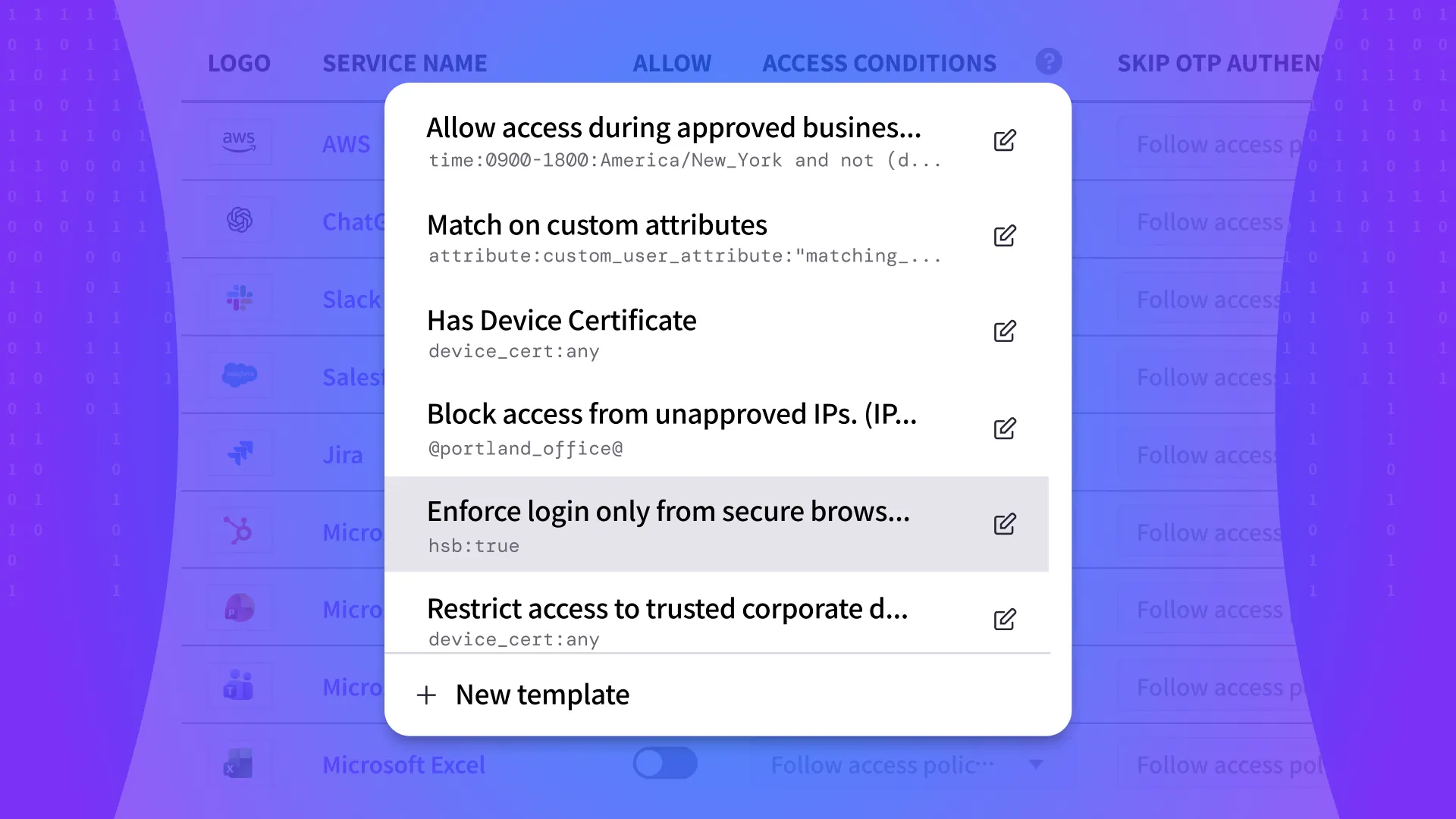
HENNGE Identity also makes that model easier to standardize. Condition templates give MSPs useful starting points that can be applied across multiple tenants, helping them deploy consistent access rules more quickly. Those policies can then be templatized and rolled out across environments to enforce common standards and reduce configuration drift over time.
A more secure login experience
The second major difference is the login experience itself. HENNGE Identity replaces the default Microsoft login with a secure HENNGE login, giving MSPs a more controlled authentication entry point. That matters because the Microsoft login page is widely recognized and widely mimicked in phishing attacks. A secure login experience gives MSPs a stronger place to start from, both operationally and from a security standpoint.
A practical option for MSP service delivery
This is also where the business case becomes clearer. Conditional access and secure login aren’t included in Entra ID Free, so MSPs that want stronger access controls often face a familiar choice: leave the gap in place, or move clients to a more expensive Microsoft licensing path. HENNGE Identity gives them another option—one that’s more affordable, easier to package, and easier to turn into a profitable managed service.
Conditional MFA, device certificates, user and group policies, and logs can all strengthen that model further. But the core value here is straightforward: MSPs can offer stronger access control and a more secure login experience without taking on enterprise-style overhead.
The Shift from Login Security to Access Control
Conditional access is becoming one of the clearest signs that identity security is maturing beyond the login itself.
For MSPs, that shift matters because client environments no longer operate under simple, predictable conditions. Users move between devices, work outside traditional hours, and access systems from a wide range of networks and locations. In that kind of environment, basic MFA still plays an essential role, but it doesn’t give MSPs enough control to decide when access should actually be trusted.
That is where conditional access changes the conversation. It gives MSPs a way to move from broad authentication standards to access decisions shaped by policy, context, and risk. The result is stronger security, clearer service value, and a more practical identity model for the SMB environments they support.
HENNGE Identity helps MSPs make that shift without forcing clients into higher Microsoft licensing tiers or more complex security stacks. By combining conditional access policies with a secure login experience that replaces the default Microsoft login, it gives MSPs a more controlled and more affordable way to deliver managed identity security.
If you’re looking for a practical way to strengthen access control across your client environments, learn more about how HENNGE Identity helps MSPs enforce conditional access and secure login without unnecessary complexity. You can also contact us to start the conversation or subscribe to the blog for more insights on modern MSP security strategy.
Not sure where your security gaps are? Book a free cybersecurity review with our team.
Explore More
HENNGE Inc. Releases September 2026 U.S. Cyber Incident Report, Highlighting Stolen Credentials as a Leading Attack Method
HENNGE Inc. to Sponsor XChange NexGen 2026, Highlighting Identity Security as the Next Managed Service for MSPs