Insights

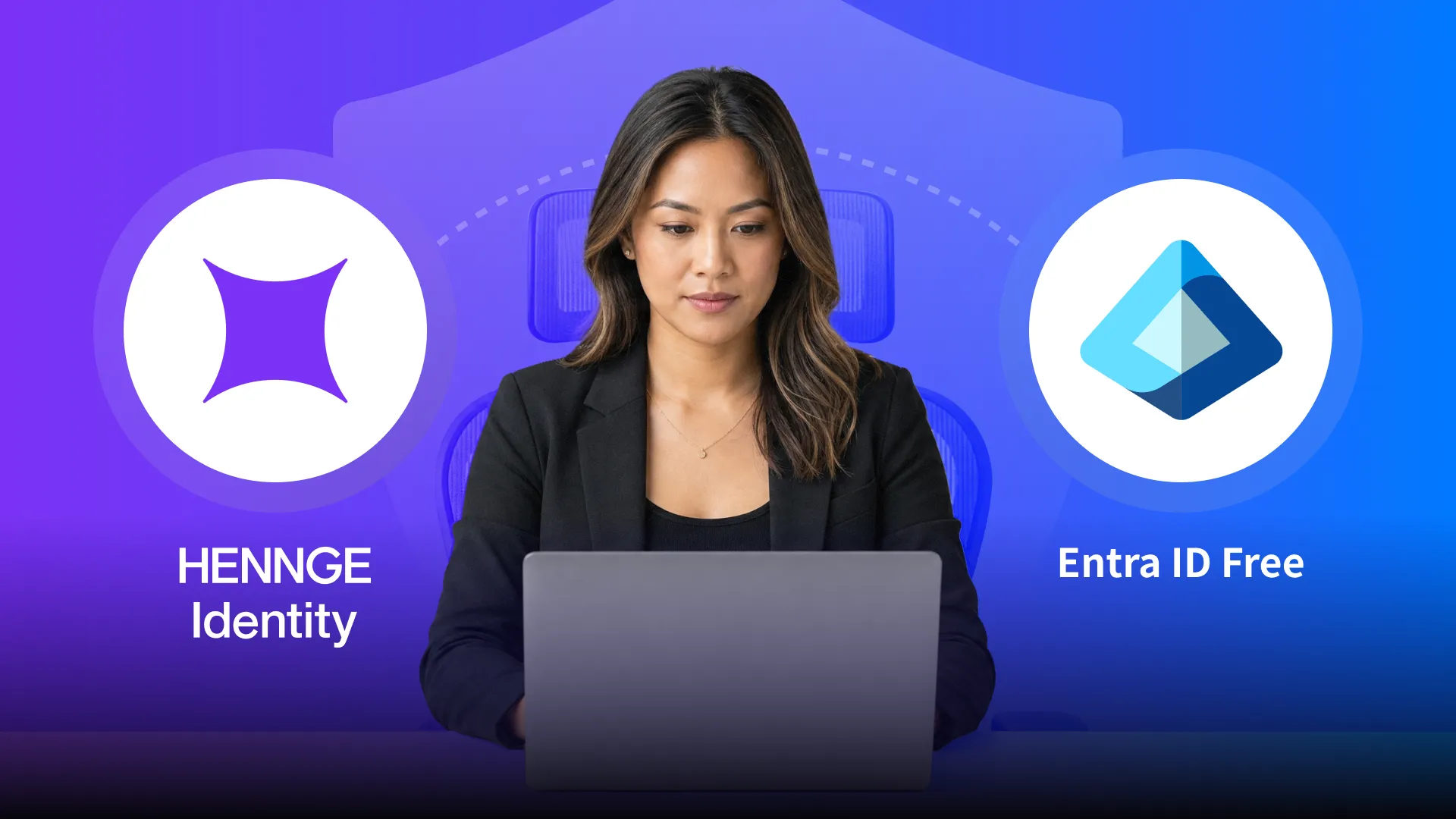
For many SMB clients, Microsoft 365 already feels like the answer to identity security.
They have user accounts. They have single sign-on. They may even have MFA enabled. On paper, that can make it seem like the identity layer is already covered — especially when Entra ID Free comes bundled into plans like Microsoft 365 Business Basic and Business Standard.
That’s where a lot of client conversations stop.
The more important question is whether Microsoft’s default identity layer gives MSPs enough control to actually manage access risk.
For many client environments, the answer is no.
Entra ID Free provides a usable baseline. It helps organizations centralize identities and move beyond passwords alone. What it does not include is conditional access — the policy layer that lets MSPs decide whether a login should be trusted based on the conditions around it. It also leaves gaps in areas like enforceable device certificates, lifecycle management, and the login experience itself.
That difference matters because MSPs are not just enabling authentication. They are responsible for protecting access across mixed devices, remote users, SaaS applications, and privileged accounts in environments that rarely stay simple for long.
This is where HENNGE Identity changes the conversation.
Instead of asking whether the user has the right credentials, MSPs can start asking whether access should be allowed under the current conditions. Instead of relying on the default Microsoft login, they can provide a more secure and controlled authentication experience. And instead of pushing SMB clients toward broader Microsoft licensing upgrades, they can close the most important identity gaps in a more focused and affordable way.
That is the real difference between Entra ID Free and HENNGE Identity.
It’s not identity versus no identity.
It’s default coverage versus managed access.
What Entra ID Free Actually Covers
Entra ID Free gives SMBs a workable starting point for identity management, which is one reason it is so common in Microsoft 365 environments.
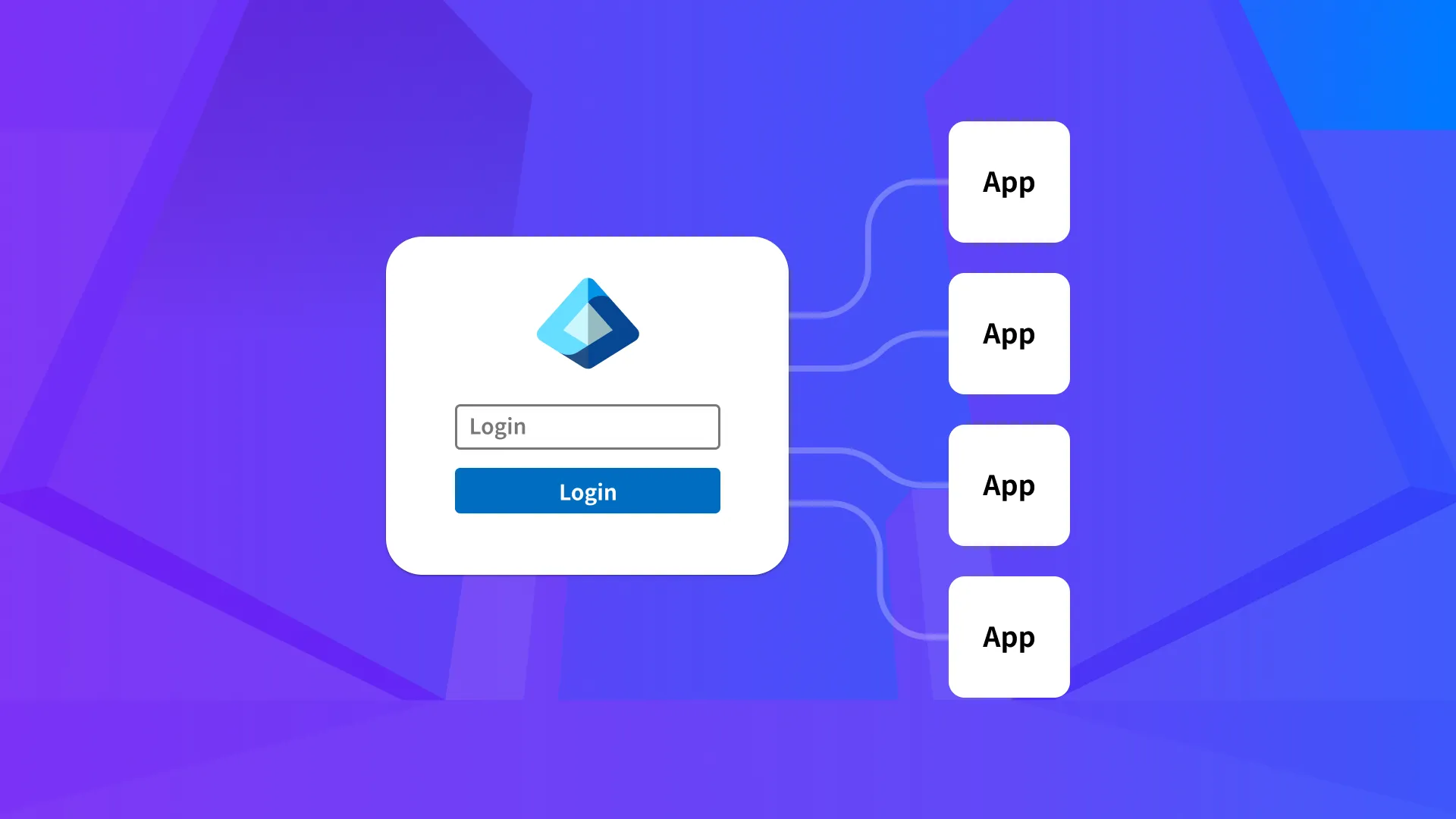
At the baseline level, it provides the core identity functions many organizations expect to see in a modern identity layer: a user directory, single sign-on support, and the ability to centralize user accounts instead of managing credentials separately across every application. For SMBs moving away from scattered login management, that is a meaningful improvement.
This is also why Entra ID Free is easy to overlook as a limitation. It is already included in widely used plans like Microsoft 365 Business Basic and Business Standard, so it often arrives as part of the environment rather than as a security product being actively evaluated. Once users can sign in, access email, and use cloud applications through a shared identity system, it is easy to assume the core problem has been solved.
For many organizations, that is where the identity conversation stops. For MSPs, it should not.
The reason is simple: Entra ID Free handles the identity baseline, but it does not provide the full set of controls MSPs need to manage access with precision. It helps answer who the user is. It does not give enough control over how, when, and under what conditions that user should be allowed into sensitive systems.
That distinction matters throughout the rest of the comparison.
Entra ID Free is a baseline identity layer, not a full managed access solution.
Where the Gaps Start in Entra ID Free
The limitations in Entra ID Free become clearer once MSPs move past the question of whether identity exists at all and start looking at how access is actually controlled.
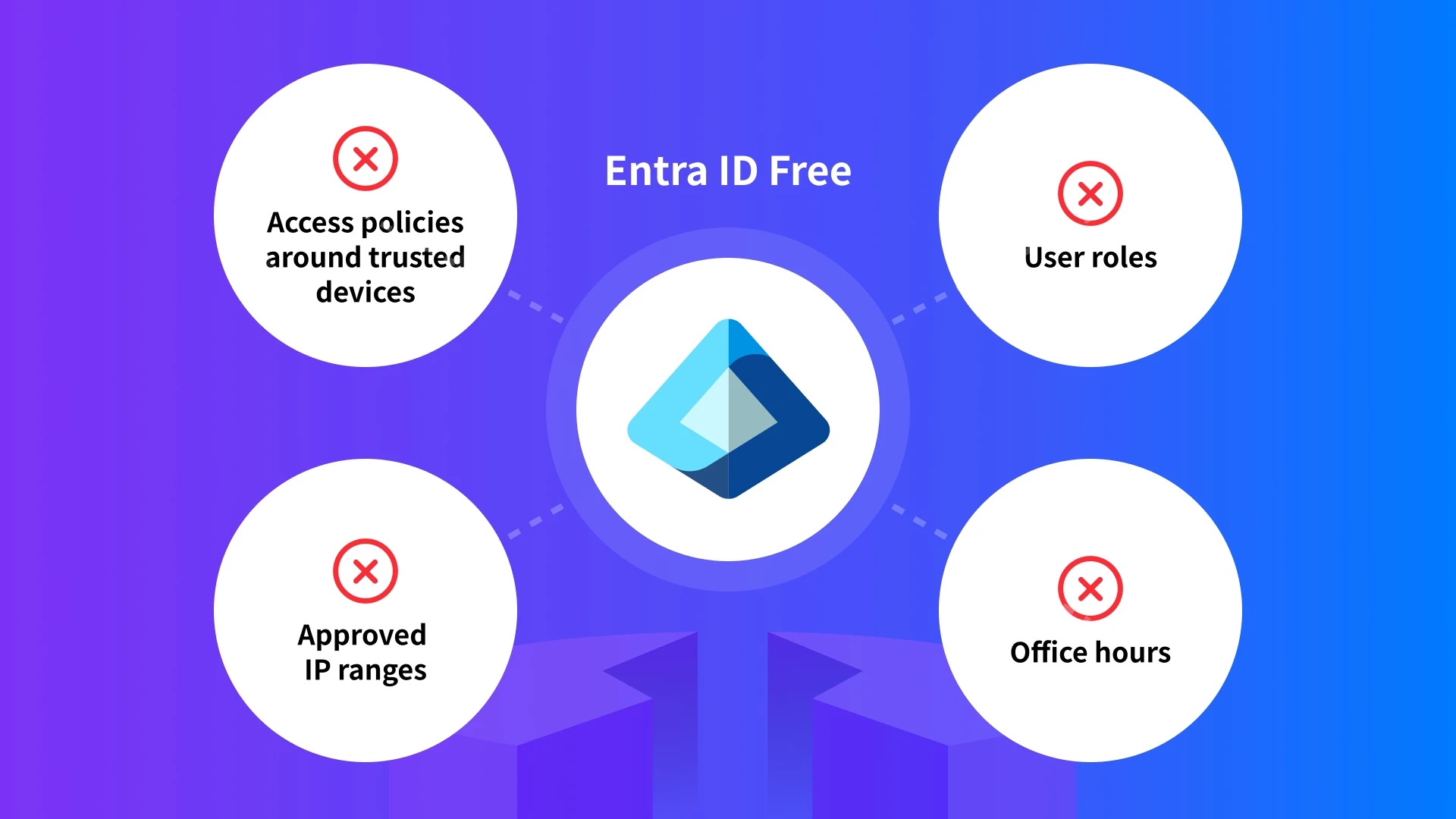
One of the biggest gaps is conditional access. Entra ID Free does not include it, which means MSPs cannot build access policies around approved devices, approved IP ranges, office hours, or user role in the way they often need to. A login can be valid without being appropriately governed.
MFA has similar limits at this level. It may be present, but the policy logic around it is much more limited. MSPs do not get the same level of control to shape authentication by user, application, device, or access conditions. In practice, that leaves MFA acting more like a broad security layer than a precise access tool.
Device certificates are another example. Devices can be registered in Microsoft’s ecosystem, but registration alone is not the same as enforcement. For MSPs trying to manage access risk across client environments, that difference matters. Knowing a device exists is helpful. Requiring access to come from an approved device is much stronger.
Privileged access also remains basic in Entra ID Free. Administrative roles exist, but that is not the same thing as privileged access management. MSPs that need tighter governance over high-risk accounts are still left without the stronger controls that make privileged access part of a true identity governance model. When privileged access is treated too broadly, the exposure isn’t limited to one login. It extends to the systems, settings, and data those accounts can influence.
These are not edge-case limitations. They affect exactly the kinds of controls MSPs need when they are trying to move from basic identity management to real access management. Entra ID Free covers the starting point. The gaps appear as soon as the goal becomes more precise, more policy-driven, and more operationally accountable.

Why These Gaps Matter to MSPs
These limitations matter because MSPs are not managing identity in a vacuum. They are managing access across client environments where users work remotely, devices vary widely, and administrative burden is already high.
In that kind of environment, baseline identity features are useful, but they do not provide enough control on their own. A valid login from an unmanaged device, an unknown IP range, or a privileged user outside expected working hours should not be treated the same way as routine access under normal conditions. Without stronger policy controls, those differences are harder to enforce at the point where they matter.
Microsoft’s identity stack can also be harder for SMB-focused MSPs to operationalize consistently. Limited partner enablement and support for MSPs serving smaller clients can contribute to underused features, inconsistent rollout, and less standardized control across environments. Even when identity features are available, they do not always translate into a clean, repeatable managed service model.
That creates a practical problem for MSPs. They are expected to reduce risk, standardize client security, and explain the value of their services clearly. When the default identity layer does not include conditional access, enforceable device certificates, or stronger control over privileged access, MSPs are left with fewer options to shape risk in a way that is consistent and manageable.
The result is often a familiar pattern: identity is centralized, but access is still too broad. Authentication is present, but policy is thin. Devices are visible, but not reliably trusted. That may be enough to improve the starting point, but it is not enough to create the kind of managed access standard MSPs increasingly need to deliver.
This is where the difference between default coverage and operational control becomes more important. MSPs do not need identity features only for administrative convenience. They need them because clients expect stronger protection, and the environments they support no longer behave in neat, predictable ways.
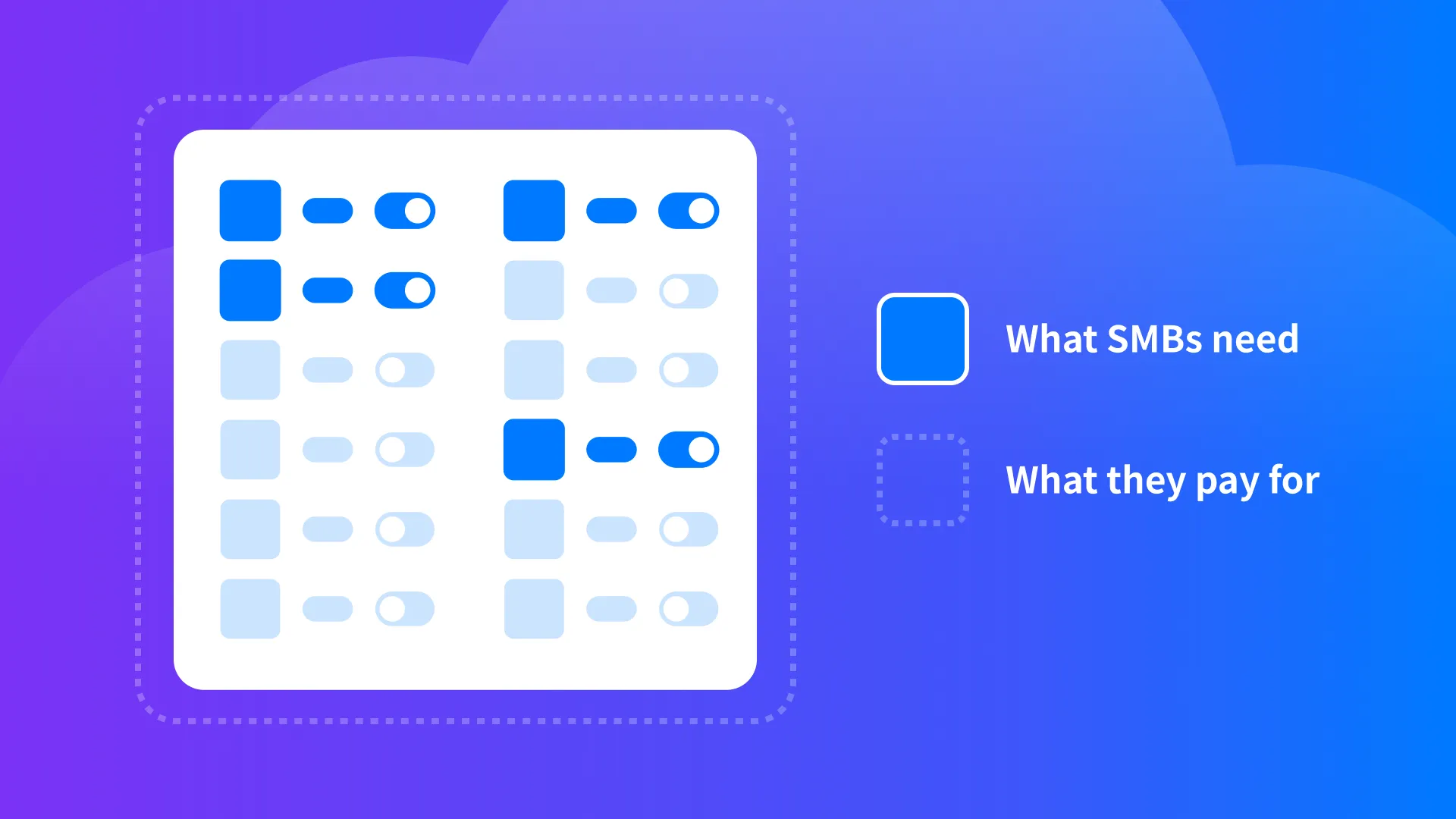
Why Upgrading Microsoft Licensing Isn’t Always the Best Answer
Microsoft does offer a path to stronger identity controls. As clients move from Business Basic or Business Standard toward Business Premium, E3, or E5, they gain access to broader security and management capabilities, including higher Entra ID tiers and a wider Microsoft protection stack.
For some organizations, that path makes sense.
The challenge for many SMB environments is that the step up in licensing often delivers much more than the client is actually trying to solve at that moment. The MSP may be looking for stronger identity controls, better access policy, and a more secure authentication experience. The client may not need the full weight of a larger Microsoft security bundle to get there.
That creates a practical mismatch. The missing capability may be specific, but the upgrade path is broad. As licensing costs rise, the conversation can shift away from the original security gap and toward whether the client is prepared to pay for an expanded package of tools they may not fully use.
This is where the comparison becomes more useful. The issue is not that Microsoft’s higher tiers lack value. The issue is that many MSPs are trying to close focused identity gaps in SMB environments where cost, simplicity, and serviceability matter just as much as feature depth.
That conversation is becoming more urgent. Cyber insurance providers are placing more pressure on organizations to demonstrate stronger access controls around privileged accounts, and compliance expectations across frameworks like HIPAA, CMMC, SOC 2, and PCI continue to raise the bar for access governance. At the same time, Microsoft’s own licensing and prerequisite changes are making it harder for MSPs to treat default identity coverage as “good enough.”
That is exactly the space where HENNGE Identity becomes a better fit. It gives MSPs a way to strengthen identity security in the areas that matter most—conditional access, secure login, enforceable device certificates, and policy-driven access control—without forcing clients into a broader licensing jump that may be harder to justify.

What HENNGE Identity Adds Beyond Entra ID Free
The most important difference is that HENNGE Identity gives MSPs a way to move from baseline identity management to managed access control.
Conditional access with practical policy depth
Conditional access is central to that shift. Instead of treating every successful login the same way, HENNGE Identity lets MSPs enforce access based on the conditions that actually shape risk in real client environments. That includes approved IP ranges, day of week, time range, date range, device certificates, and custom attributes. This gives MSPs far more flexibility to shape access around how a client environment is supposed to operate, rather than relying on broad, static authentication rules.
Device certificates and MFA that can actually be enforced
HENNGE Identity also makes device certificates part of the access decision itself. Microsoft can register devices, but in Entra ID Free that trust cannot be meaningfully enforced as an access condition. HENNGE Identity gives MSPs a simpler way to require device certificates and MFA through its conditional access policies, which is especially valuable in SMB environments where unmanaged devices and mixed work conditions are common. That closes the gap between knowing a device exists and actually using device certificates to govern access.
Secure browser for unmanaged devices
Secure browser adds another important layer. It allows MSPs to give unmanaged devices controlled access to sensitive systems without extending full trust to the endpoint itself. That helps reduce data leakage risk by limiting actions such as downloading, copy and paste, and other forms of local data handling. Microsoft can achieve similar outcomes, but generally only at higher tiers such as P2 or E5. HENNGE Identity gives MSPs a more focused and affordable way to deliver that kind of protection.
A more secure login experience
Secure Login remains one of the clearest differences as well. HENNGE Identity replaces the default Microsoft login experience with a secure HENNGE login, giving MSPs a more controlled authentication entry point. That matters because the default Microsoft login page is widely recognized and widely mimicked in phishing attacks. A more secure and more controlled login flow gives MSPs a stronger foundation for authentication in environments where credential theft and impersonation remain persistent risks.
A stronger fit than default identity coverage
Taken together, these controls are what make HENNGE Identity more than an add-on to the Microsoft stack. It fills specific gaps that Entra ID Free leaves open by giving MSPs stronger conditional access, enforceable device certificates, secure browser access for unmanaged devices, and a more secure login experience. That gives MSPs a more practical path to managed identity security without forcing SMB clients into a much broader licensing jump just to gain a few missing controls.
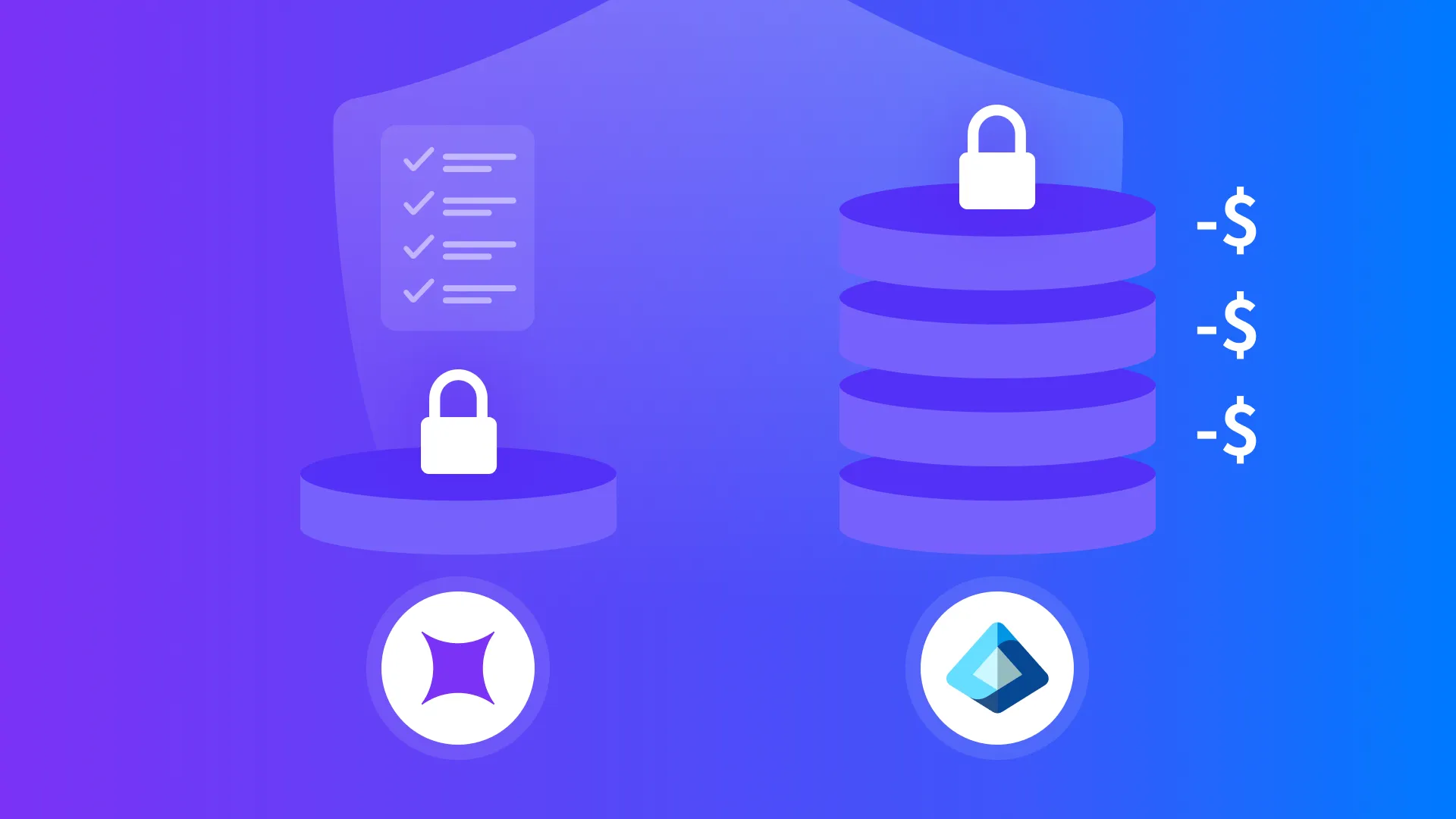
Why HENNGE Identity Is a Better Fit for Many SMB Clients
For many SMBs, the goal is not to build the broadest possible security stack. It is to close the most important gaps in a way that remains affordable, understandable, and sustainable over time.
That is where HENNGE Identity fits well.
Instead of requiring clients to move into a higher Microsoft licensing tier just to gain a few missing identity controls, HENNGE Identity gives MSPs a more focused way to improve access security. The value is easier to explain because it connects directly to real security decisions: who can access, from which device, through which IP ranges, under what conditions, and through what kind of login experience.
That focus also helps on the operational side. SMB clients often respond better to security improvements when the purpose is clear and the deployment does not introduce a large jump in complexity. HENNGE Identity gives MSPs a way to package stronger identity control as a practical service improvement rather than a broad platform expansion.
It also creates a clearer revenue story. Instead of recommending a larger Microsoft licensing jump that can be harder to justify and harder to margin, MSPs can offer HENNGE Identity as a focused, resellable identity security layer. That makes it easier to attach recurring revenue to a real security outcome, rather than relying only on project work or one-time upsells. For MSP owners, that matters just as much as the technical comparison.
From the MSP perspective, that creates a cleaner value story. The recommendation is not “upgrade everything to get one or two missing features.” It is “close the identity gaps that matter most with a solution built to do that job well.” That makes it easier to align security needs, client budgets, and service margins in the same conversation.
This is why HENNGE Identity is often the better fit in SMB environments. It gives MSPs stronger access control where Entra ID Free leaves off, while staying closer to the cost, simplicity, and day-to-day realities of the clients they support.

HENNGE Identity vs. Entra ID Free: The Real Difference
The difference between Entra ID Free and HENNGE Identity is not whether identity exists. It is how much control MSPs have once identity becomes part of the security conversation.
Entra ID Free gives SMBs a useful starting point. It centralizes user accounts, supports single sign-on, and creates a cleaner identity baseline than managing access separately across every tool. For many organizations, that is an important first step.
HENNGE Identity takes the next step. It gives MSPs the ability to manage access with more precision by adding the policy layer that Entra ID Free leaves open. Conditional access, secure login, stronger device certificate enforcement, and more practical policy-driven access control turn identity from a baseline function into something MSPs can actively shape and support.
That difference matters because MSPs are measured by outcomes, not just by whether identity was technically enabled. Clients want stronger protection. MSPs need tools that let them deliver it in a way that is consistent, supportable, and affordable. HENNGE Identity fits that need by focusing on the access controls that matter most, without requiring a much broader licensing jump to get there.
Entra ID Free helps SMBs get started. HENNGE Identity helps MSPs manage identity more effectively once the baseline is no longer enough.

Beyond the Default Identity Layer
Entra ID Free remains a useful starting point for many SMB environments. It helps centralize identity and improve the baseline. For MSPs, the question is what happens once that baseline is no longer enough.
That is where the comparison becomes more practical.
When stronger access control, a more secure login experience, and better enforcement around approved devices start to matter, MSPs need a way to close those gaps without overextending the client’s licensing cost or operational complexity. HENNGE Identity is built for that part of the conversation. It gives MSPs a more focused and more manageable way to strengthen identity security in the areas where default coverage starts to thin out.
For many SMB clients, that makes the difference easier to justify. The recommendation is not a broad platform change for its own sake. It is a targeted move toward stronger access control, better login security, and a more supportable identity model.
If you are comparing what Entra ID Free provides against what MSPs actually need to deliver, HENNGE Identity helps bridge that gap. To learn more about how HENNGE Identity supports conditional access, secure login, and practical managed identity security for SMBs, contact us to start the conversation. You can also subscribe to the blog for more MSP-focused cybersecurity insights.
Not sure where your security gaps are? Book a free cybersecurity review with our team.
Explore More
HENNGE Inc. Releases September 2026 U.S. Cyber Incident Report, Highlighting Stolen Credentials as a Leading Attack Method
HENNGE Inc. to Sponsor XChange NexGen 2026, Highlighting Identity Security as the Next Managed Service for MSPs