Insights

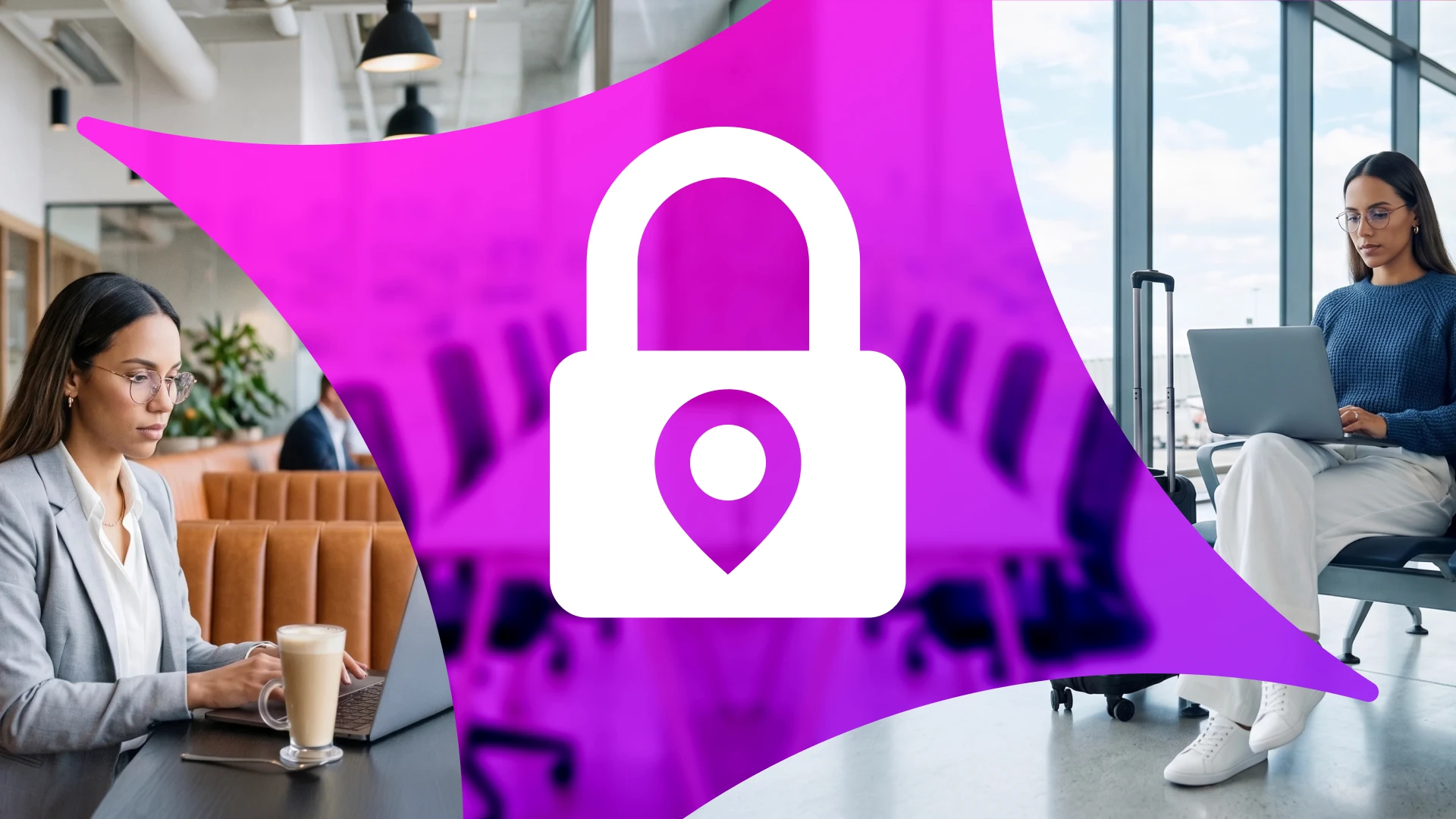
The meeting ends. Another one starts in ten minutes.
At a coffee shop table near the window, there’s just enough time for a quick switch between tabs. Slack stays open in the background. A document loads in OneDrive. An email comes in, flagged as urgent.
There’s no time to think about where any of it’s happening.
The laptop isn’t company-issued. The Wi-Fi is shared. The browser has been open for hours—maybe longer. A few tabs still have active sessions from earlier in the day.
Everything works. Nothing feels out of place.
That is what work looks like now.
It doesn’t happen in a single location. It doesn't happen on a single device. It moves constantly—between networks, between applications, between environments that were never designed to be a part of the same security model.
And most of the time, it works exactly as expected.
That’s what makes it easy to overlook.
There’s no obvious failure point. No alert. No moment that signals something has gone wrong.
But access is happening under conditions that were never verified.
And that changes what security needs to account for.
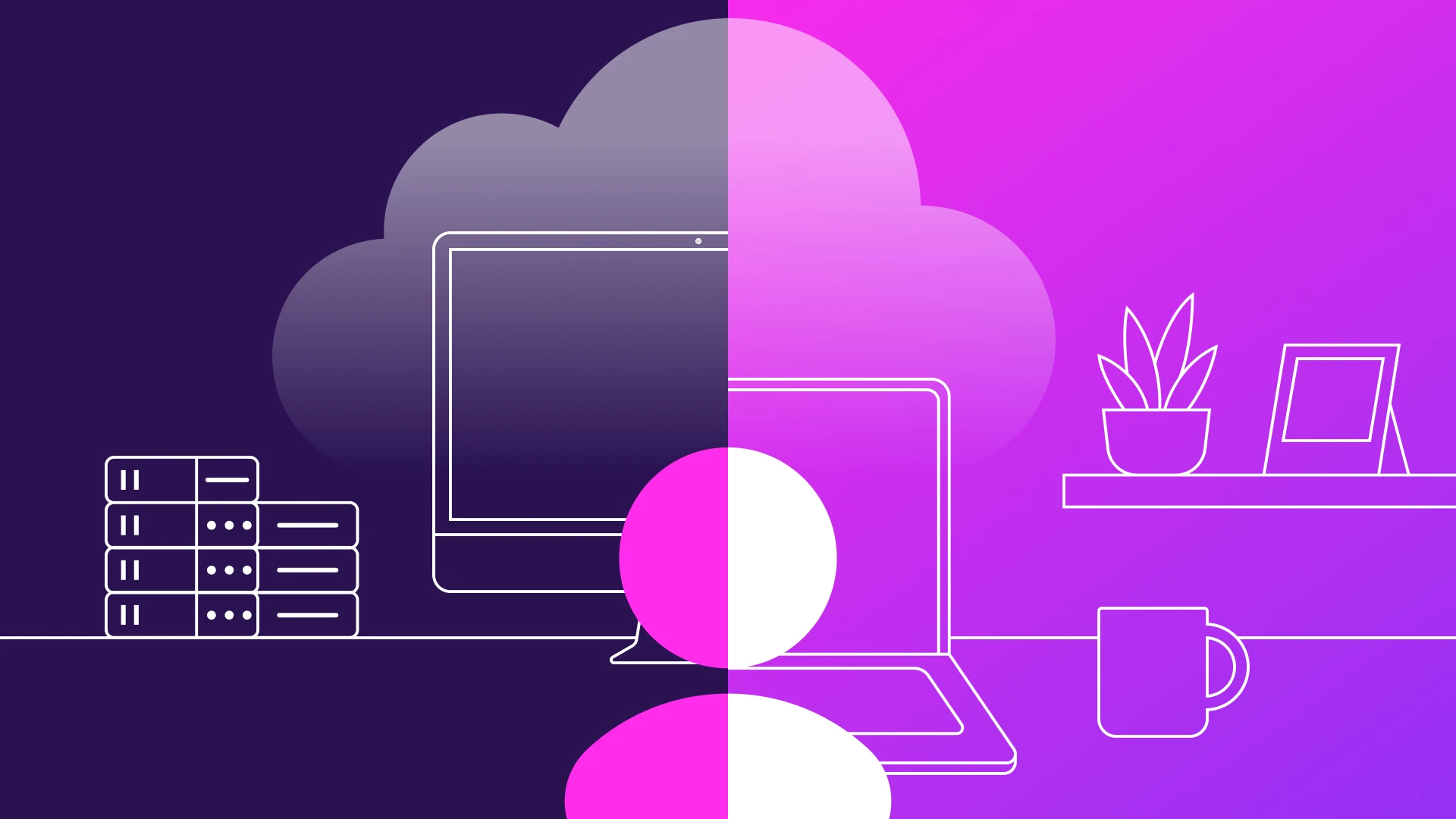
Work Has Changed — Security Hasn’t
The way people work has shifted faster than the systems designed to protect that work.
Remote and hybrid environments are no longer temporary adjustments. They are the default. Employees now move between home offices, shared spaces, and corporate environments without changing how they access systems or data. The same set of applications—email, collaboration tools, cloud platforms—remains available regardless of location.
From an operational perspective, this flexibility is essential. It allows teams to move quickly, collaborate across time zones, and maintain productivity without being tied to a specific place.
But the assumptions behind most security models haven’t changed at the same pace.
Many controls were designed around a more predictable environment—one where users accessed systems from managed devices, within defined networks, and under consistent conditions. Access could be evaluated based on where it originated, and trust could be extended based on that context.
Those conditions no longer exist in a meaningful way.
Today, access requests can come from:
Different locations throughout the day
Different devices, not all of them managed
Networks that are outside organizational control
From the system’s perspective, these variations are often treated as normal. From a security perspective, they represent a loss of certainty.
The question is no longer who is accessing a system.
It’s whether the condition around that access can still be trusted.
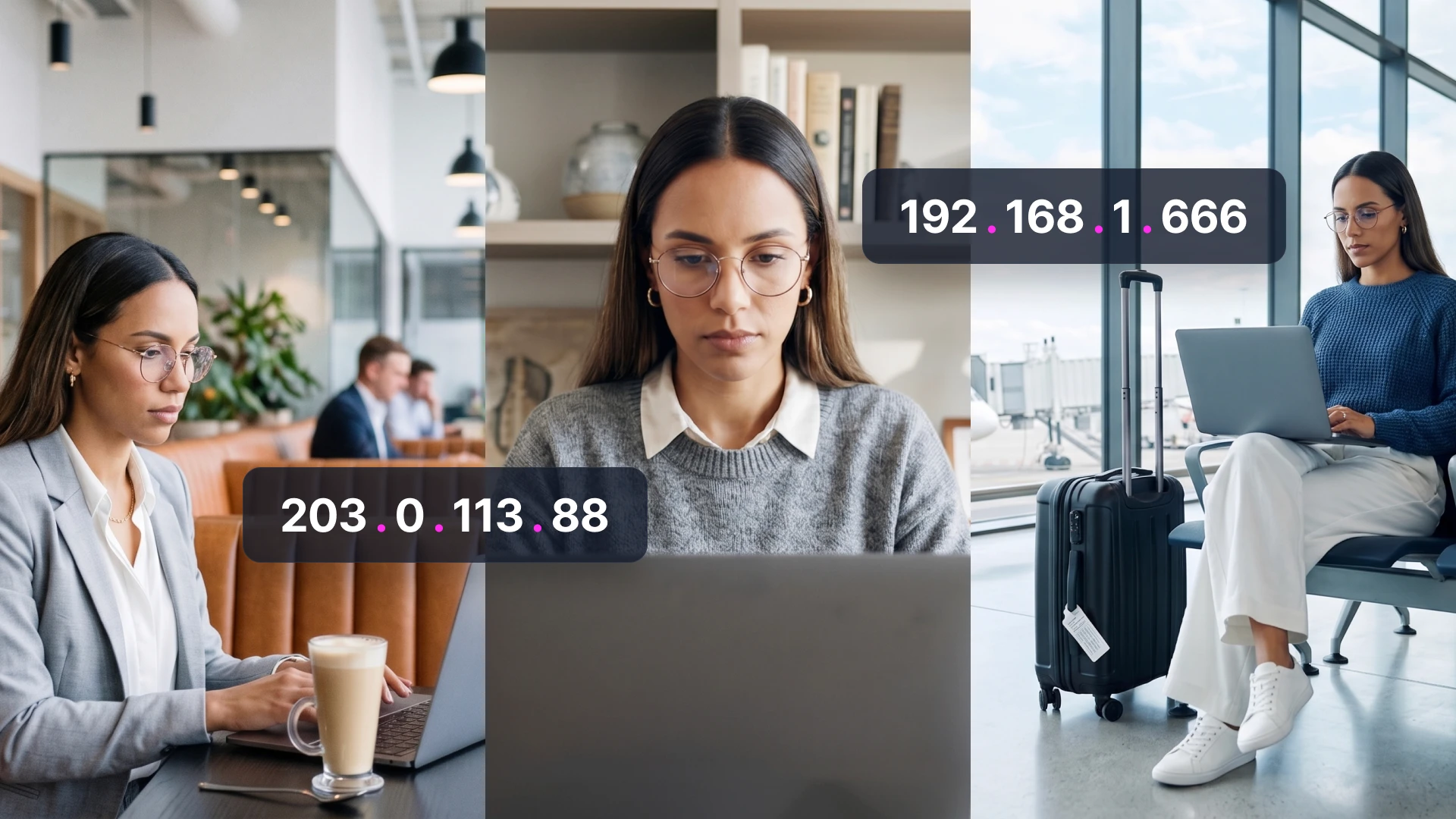
Everyday Work Behavior Creates Risk
Nothing in the scenario feels unusual because none of it is.
Logging in from a different location, using a personal device, keeping sessions active across multiple applications, and accessing files through the day without interruption—these are not exceptions. They are standard ways of working.
Most users don’t think of these actions as security decisions. They’re simply part of getting work done. The tools respond quickly, access is immediate, and the experience is designed to feel seamless.
That seamlessness creates an assumption: if access is granted without friction, it must be safe.
In reality, each of these actions introduces variables that are difficult to verify. A device may not meet security standards. A network may not be trusted. A session may persist longer than intended. Access may be granted under conditions that were never evaluated.
Individually, none of these factors creates a clear incident. There’s no single moment where something obviously goes wrong. Instead, risk accumulates quietly through normal behavior.
From the user’s perspective, nothing has changed. But from a security perspective, the environment surrounding that access is no longer consistent or controlled.
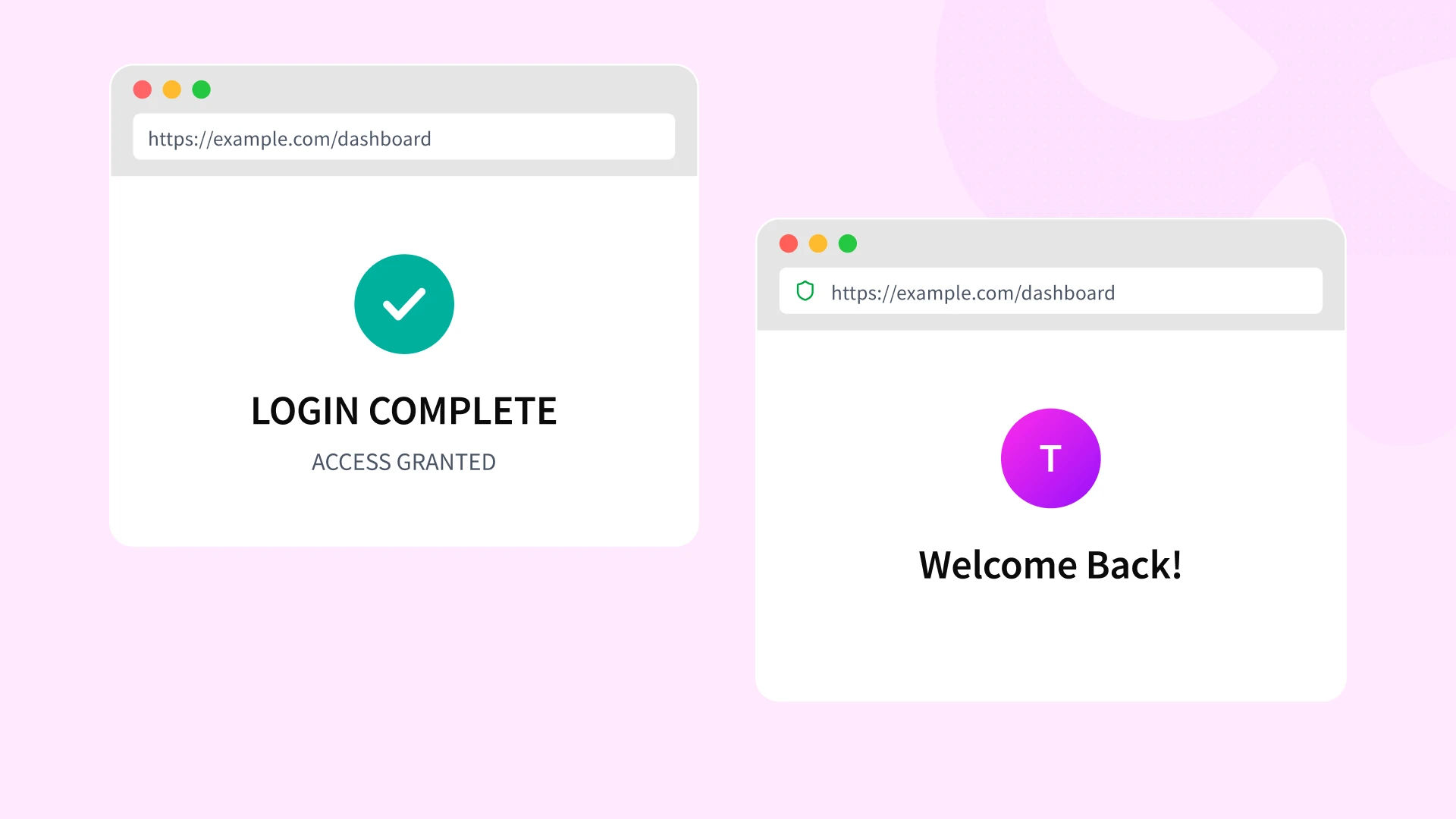
The Risk Doesn’t End at Login
The most important security decision in a remote or hybrid environment often happens only once. A user signs in, completes whatever authentication is required and gains access to the applications they need. After that many systems continue to extend trust automatically. Sessions remain active, browser tokens stay valid, and connected applications open without requiring the user to prove their identity again.
That convenience is what allows work to move quickly. It also creates a larger window of exposure.
Sensitive files may be downloaded to a personal device. Shared documents may remain open in multiple tabs. Cloud storage tools may sync data locally. Collaboration platforms may provide direct access to links, attachments, and internal conversations long after the original authentication has passed.
From the MSP’s perspective, the challenge isn’t simply that access was granted. It’s that the surrounding systems continue to honor that trust without reevaluating the conditions around it.
This is where risk starts to compound. A session established on an unmanaged device can outlast the moment it was created. Data can move from controlled systems into personal environments. Access that looked legitimate at the beginning of the day can remain active under very different conditions later on.
Nothing about this requires an obvious attack. It only requires security models that stop evaluating trust too early.

Why SMBs Feel This More Than Anyone
Large organizations usually have multiple layers between a risky access event and a meaningful loss. There may be dedicated endpoint tooling, centralized device management, formal access review processes, and teams responsible for monitoring how users interact with data. SMBs rarely have that level of separation.
In smaller environments, the same person who approves a new SaaS tool may also be the one granting access to it. A laptop that starts as a temporary exception can become a permanent part of daily operations. Contractors keep access because a project might resume. Shared drives grow faster than anyone can classify them. None of this happens because the business is careless. It happens because speed, continuity, and limited headcount shape every decision.
That operating model changes the impact of remote and hybrid risk. When a session remains active on a personal device, there is often no secondary process that catches it. When a file syncs locally, there may be no one reviewing whether that data should ever have been available on that endpoint. When access rights expand over time, the change may never be revisited unless something breaks.
SMBs also tend to rely on a smaller number of people who hold broad access across systems. Finance platforms, shared storage, collaboration tools, HR records, and customer data often sit behind the same handful of identities. That concentration makes each account more valuable and each access decision more consequential.
This is where MSPs inherit the problem. By the time they are asked to improve the security, the environment is already shaped by years of practical compromises. The work is not just about locking things down. It’s about introducing structure into systems, devices, and identities that were allowed to grow informally. In SMB environments, remote and hybrid risk is rarely caused by a single mistake. It’s the product of limited control meeting broad access.
Where Traditional Security Breaks Down
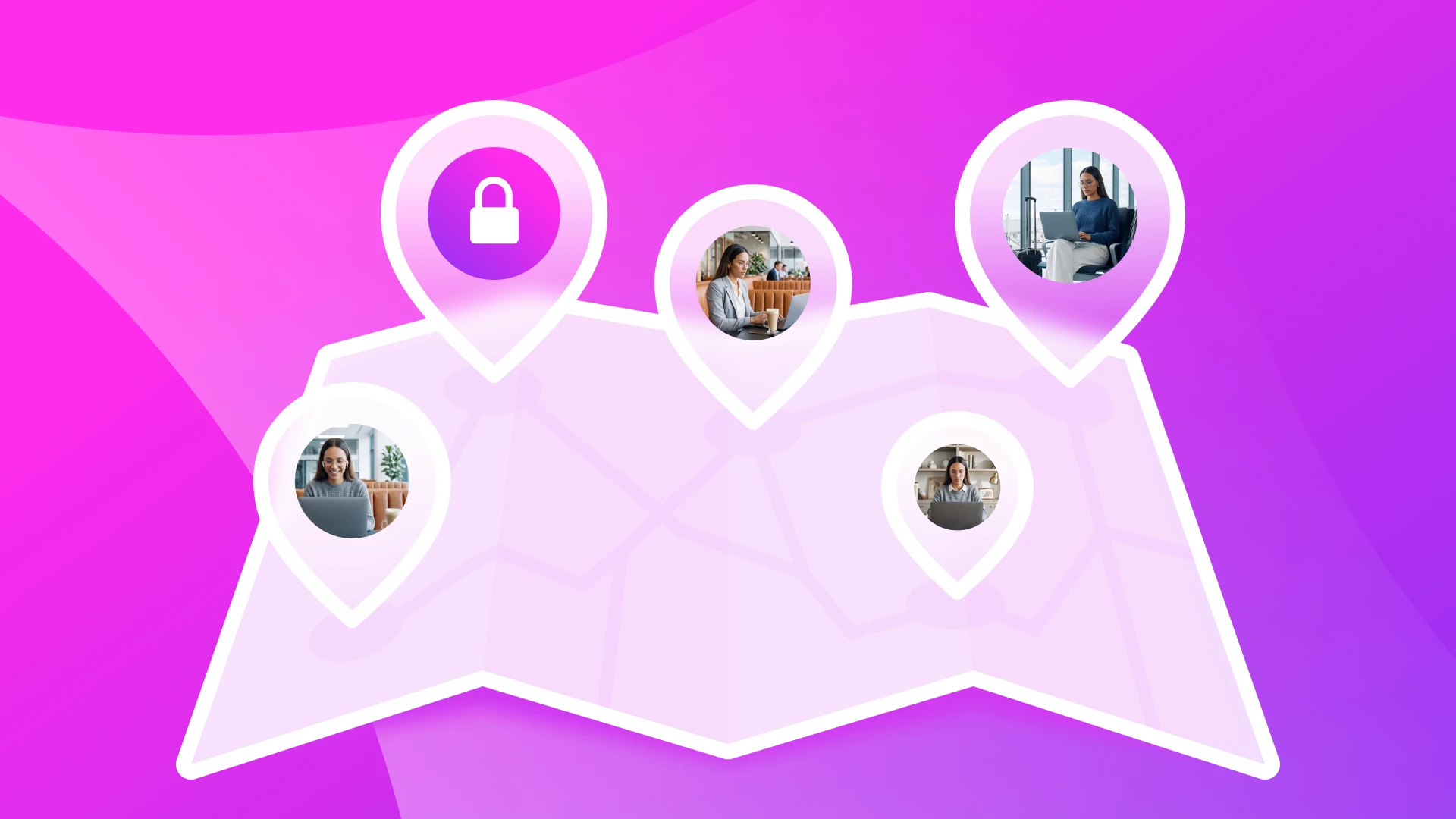
Most security programs still reflect an older model of work. Controls are applied to the network, the company-issued device, or the office environment, and trust is often extended once a user is inside one of those boundaries. That model becomes harder to sustain when work moves fluidly across personal devices, home networks, shared spaces and cloud applications.
The problem is not that these controls have stopped working entirely. It's that they were built to answer a narrower set of questions.
A VPN can confirm that a connection reaches the corporate environment, but it doesn’t tell you whether the device should be trusted in the first place. Endpoint tooling can protect managed laptops, but it has limited value when access begins from devices outside that management framework. Application-specific settings can enforce their own login rules, but they rarely create consistent policy across the rest of the environment.
As a result, security becomes fragmented. One system may require strong authentication, while another quietly accepts an existing session. One app may restrict downloads, while another syncs files locally without review. One device may be monitored closely, while another accesses the same data with almost no visibility. The user experiences this as convenience. The organization inherits it as uneven control.
For SMBs, that fragmentation is especially difficult to correct because it often develops incrementally. New tools are added to solve immediate needs. Exceptions remain in place because they help work continue. Access decisions are made at the system level rather than through a shared security model. Over time, the environment becomes dependent on a patchwork of controls that were never designed to work together.
This is where traditional security starts to lose coherence. The issue is not the absence of protections, It’s the absence of a control layer that can evaluate access consistently across users, devices, and conditions.
That is the gap modern identity and endpoint security are meant to close.
Identity and Endpoint Security as the New Control Layer
Once work is no longer tied to a single location or a single type of device, security decisions have to be made on something more stable than the environment around the user.
That is where identity and endpoint security begin to work together.
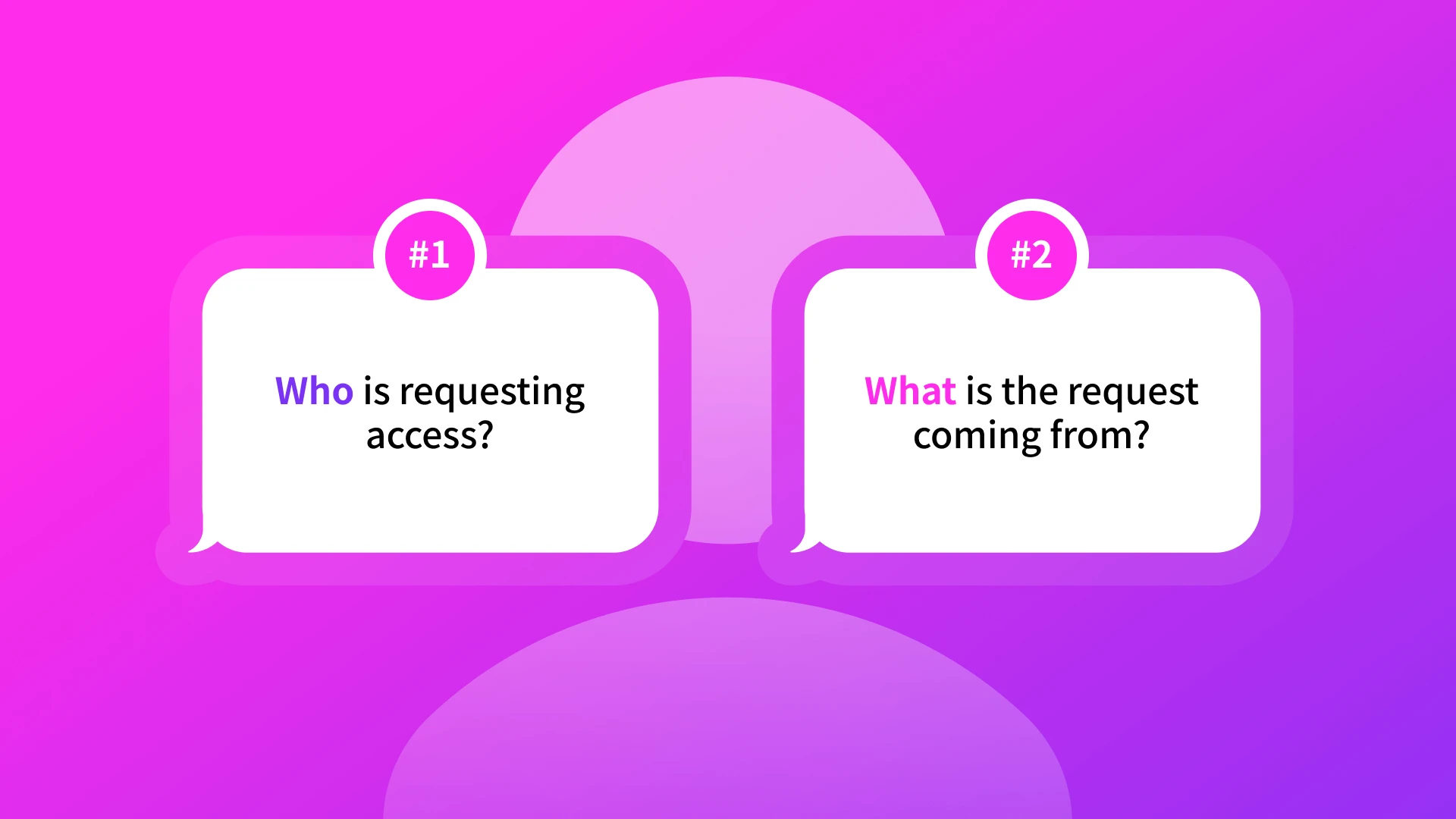
Identity answers the first question: who is requesting access? It establishes whether the user is known, whether authentication is strong enough for the risk involved, and whether the request aligns with the policies applied to that account. On its own, however, identity only describes the person behind the request. It doesn’t tell you whether the device being used should be trusted.
Endpoint security answers the second question: what is the request coming from? It helps determine whether the device meets the standards required to access business systems, whether it is recognized, and whether it should be allowed to interact with sensitive data at all.
In modern remote and hybrid environments, those two questions need to be evaluated together.
A valid login from an unknown device shouldn’t be treated the same way as a valid login from a managed workstation. A familiar device connecting under usual conditions shouldn’t be treated the same way as one operating within expected patterns. Access decisions become much stronger when they reflect identity, device trust, and context at the same time.
This is where controls like multi-factor authentication, device certificates, context-aware access policies, and session validation start to matter as a connected system rather than as separate features. Multi-factor authentication reduces the value of exposed credentials. Device trust helps ensure that access comes from endpoints the organization recognizes and approves. Context-aware policies allow access to be challenged or restricted when the request falls outside expected conditions. Session controls help reevaluate trust after login rather than assuming it should persist indefinitely.
Together these controls create a more realistic model for modern work. They don’t assume the office is trusted, the device is managed, or the network is safe. They evaluate what can actually be verified at the moment access is requested.
For SMBs and the MSPs supporting them, this is what a workable security model looks like now. Not a return to the old perimeter, but a consistent way to decide when access should be allowed, when it should be limited, and when it should be denied.
How HENNGE Identity Supports Modern Work Security
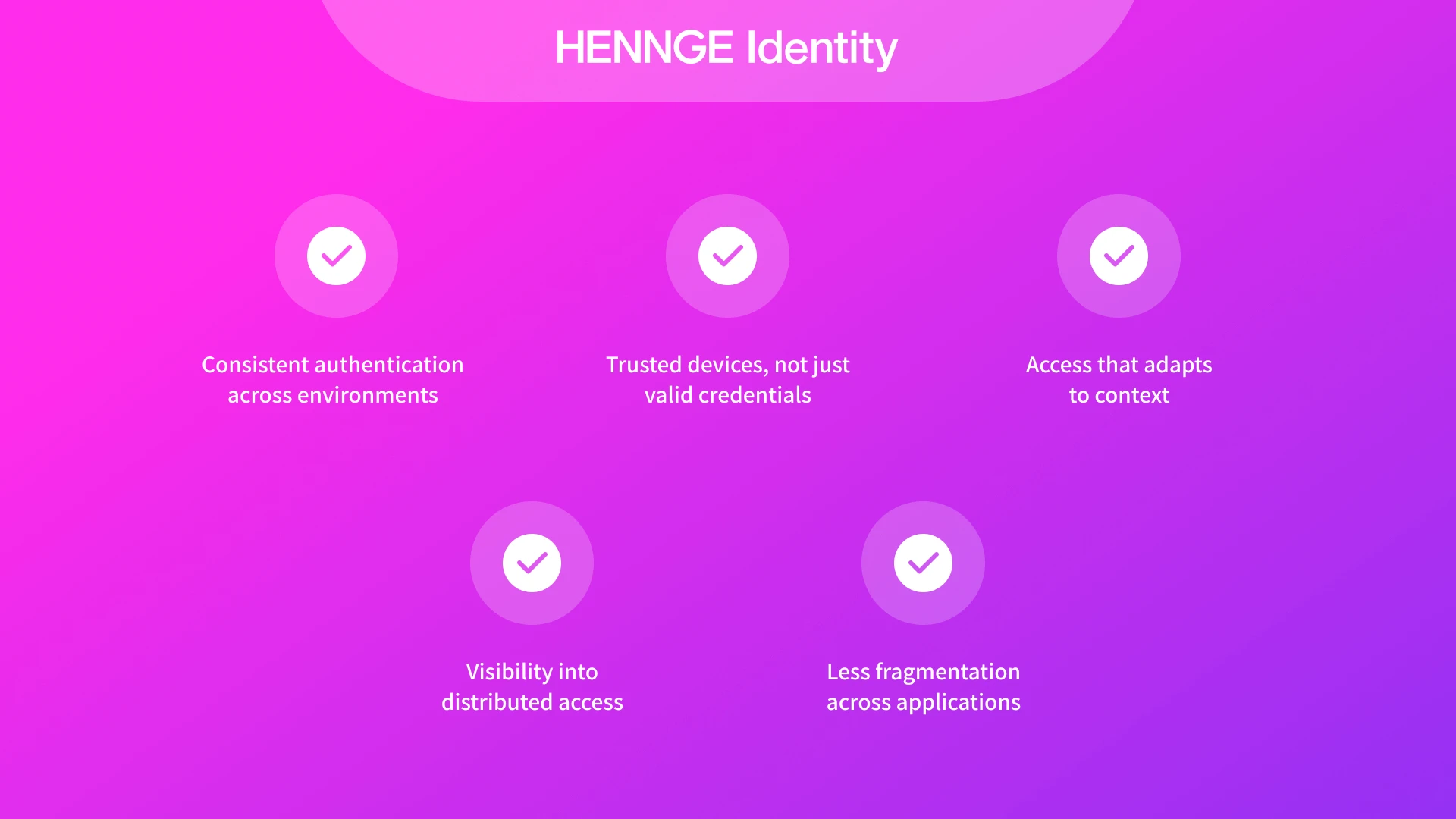
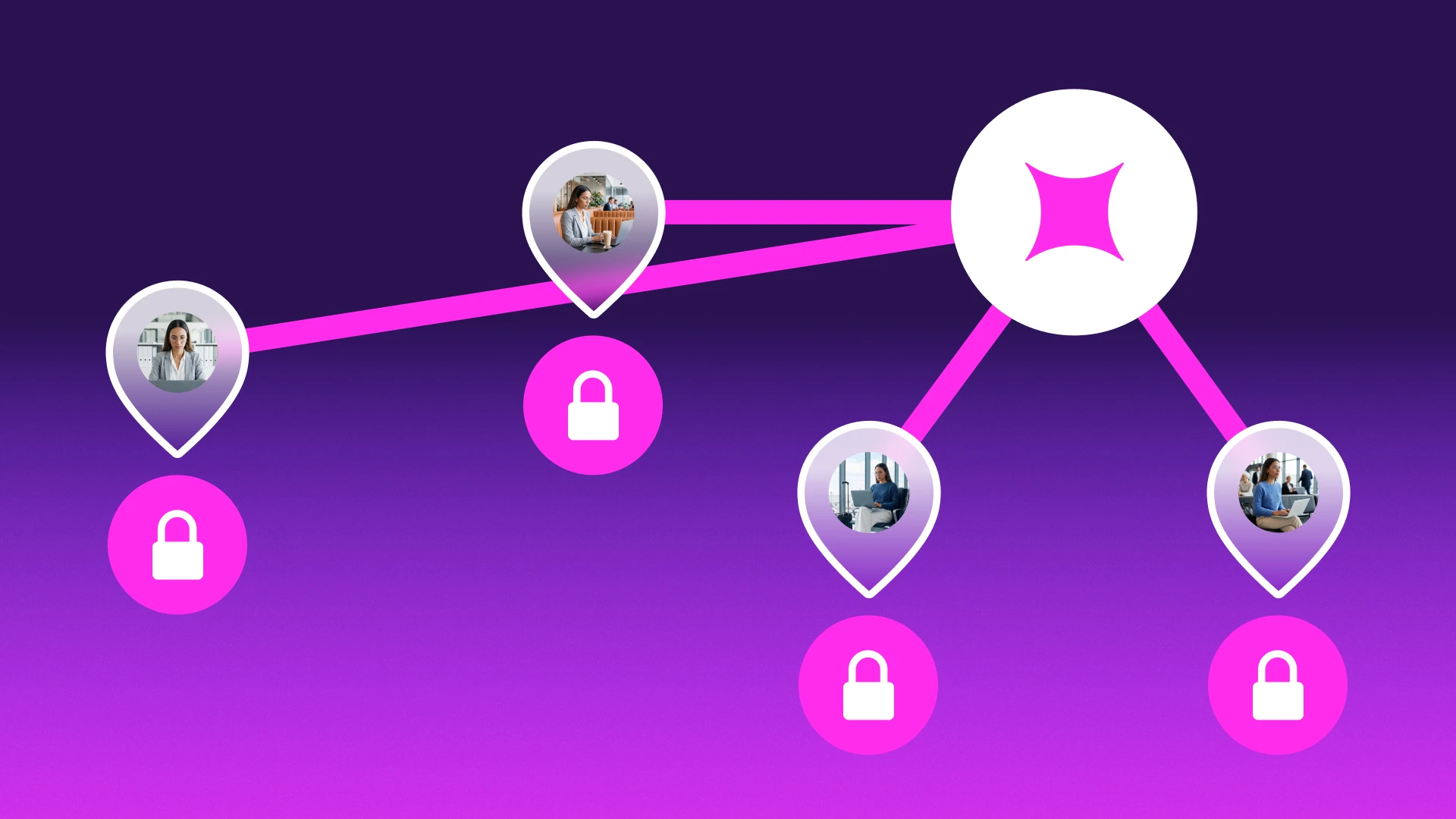
Remote and hybrid risk becomes difficult to manage when authentication rules, device trust, and application access are handled separately. HENNGE Identity brings those decisions into a centralized identity layer, allowing access to be evaluated consistently across Microsoft 365, Google Workspace, and connected SaaS applications.
Consistent authentication across environments
Multi-factor authentication can be enforced centrally rather than configured unevenly from app to app. That matters in distributed environments where one weak login path can expose data that is otherwise well protected.
Trusted devices, not just valid credentials
Device certificates become especially important in this model because they allow access policies to reflect how people actually work. HENNGE Identity supports different certificate approaches for different device types.
For trusted corporate-issued devices, certificates can serve as the authentication factor itself, enabling a passwordless experience while ensuring that access comes only from approved endpoints. For personal devices, certificates can still be required, but combined with credentials to create an additional layer of verification in lower-trust scenarios. Shared devices can also be accommodated through certificate-based controls that support multiple legitimate users on the same workstation.
This makes device trust more than a binary question. It allows access to be matched to the level of confidence the organization has in the endpoint being used.
Certificates also remain operationally useful after deployment. If a device is lost, replaced, or no longer trusted, access can be revoked immediately without waiting for broader account changes to take effect.
Access shaped by context
Context-aware policies add another layer of control. Access can be restricted based on IP ranges, time windows, and expected usage conditions, allowing organizations to treat a normal workday login differently from a request arriving under unfamiliar circumstances.
These policies can also be used to shape how access is provided. When a user is not coming from a trusted or managed device, access can be routed through Secure Browser rather than through a standard browser session. This helps reduce the risk of sensitive data being left exposed on unmanaged endpoints by restricting actions such as downloads, copy and paste, screen capture, screen sharing, and other forms of local data handling.
That approach is particularly relevant in remote and hybrid environments, where the goal is often to preserve access while narrowing the amount of trust extended to the device itself.
Visibility into distributed access
Centralized logging makes these decisions more visible. Authentication events and access patterns can be monitored across environments, making it easier to investigate whether activity from a given device or location fits normal behavior.
Less fragmentation across applications
Single sign-on also reduces fragmentation. Access can be routed through a unified identity provider instead of managed separately inside each application, which makes policy enforcement more consistent and reduces reliance on disconnected login settings.
This gives SMBs a more workable way to secure distributed access, and it gives MSPs a model they can apply consistently across client environments. Modern work is still flexible, but the conditions under which access is granted no longer have to be left to chance.
Security That Matches How People Actually Work
The workday is not going to become simpler.
People will keep moving between devices, networks, and applications because that is how modern work gets done. Meetings happen from home, shared documents are opened from airports and cafés, and business decisions are made inside cloud tools long before anyone thinks about whether the underlying conditions are secure.
That reality does not make work unsafe by default. It does mean security has to account for it directly.
The most effective controls in remote and hybrid environments are the ones that travel with the user. They do not depend on a single office, a single network, or a single device class. They evaluate access based on what can be verified in the moment: identity, device trust, and context.
For SMBs, this creates a more realistic way to protect data without forcing work back into an outdated model. For MSPs, it provides a framework that can be applied consistently across clients whose environments will never be perfectly uniform, reducing the time and manual effort required to secure access across mixed devices, locations, and work patterns.
Remote and hybrid risk is rarely defined by one dramatic event. It is shaped by the conditions under which access is granted every day.
If you’re evaluating how to reduce that risk across your users, devices, and cloud applications, HENNGE Identity helps enforce strong authentication, verify trusted devices, and apply context-aware access controls across modern work environments.
To learn more about how HENNGE Identity supports secure access in remote and hybrid environments, contact us to start the conversation. You can also subscribe to the blog below for more insights on cybersecurity topics affecting SMBs and MSPs.