Okta logins still leave gaps.

Okta logins still leave gaps.

HENNGE Identity closes them.

HENNGE Identity closes them.

Okta helps clients manage access, but passwords and MFA still leave room for risk when attackers use fake login pages, stolen credentials, or trusted-looking prompts.


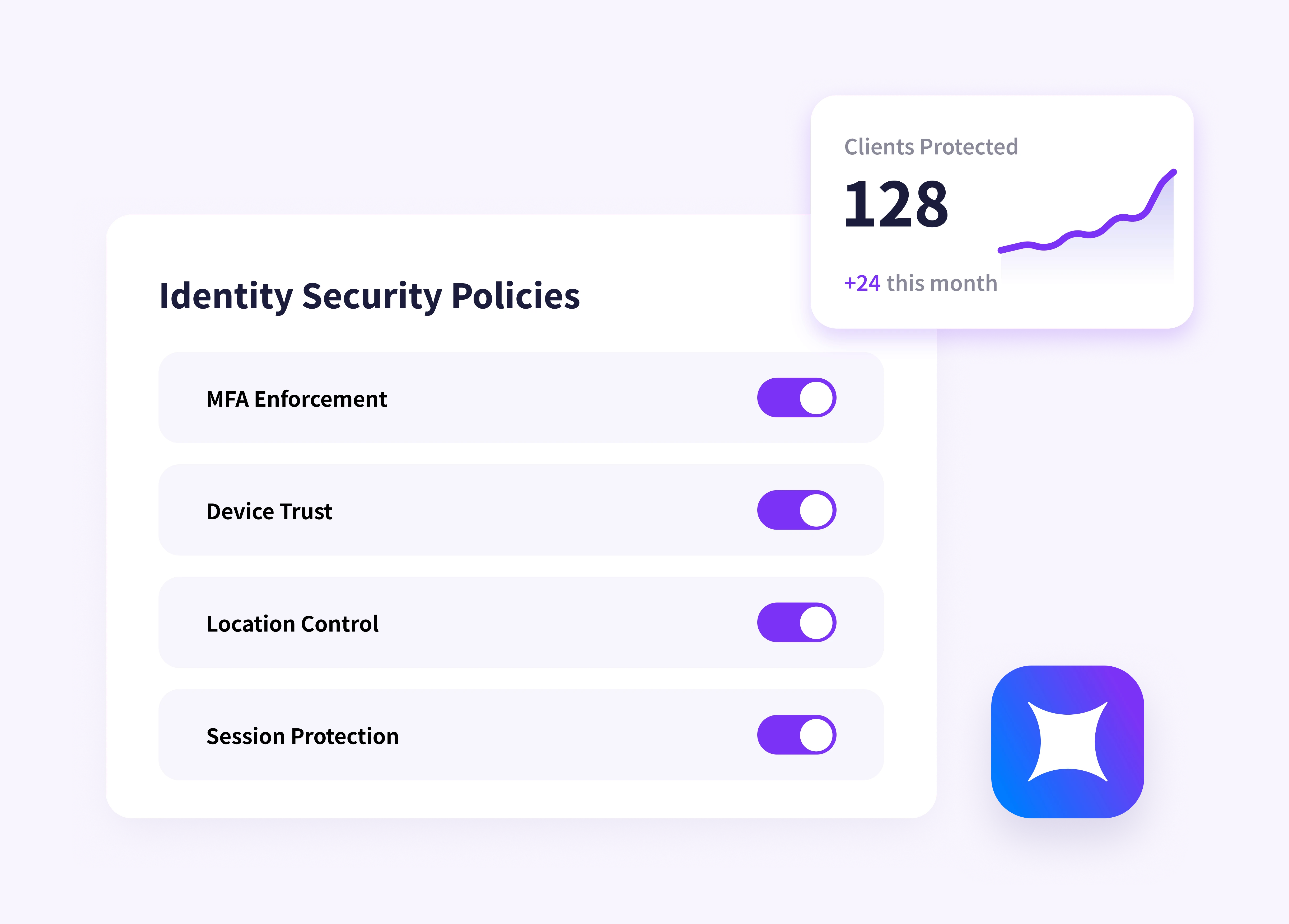
HENNGE Identity adds the controls clients need most: device trust, secure login protection, conditional access, and centralized identity security.

Okta helps clients manage access, but passwords and MFA still leave room for risk when attackers use fake login pages, stolen credentials, or trusted-looking prompts.


HENNGE Identity adds the controls clients need most: device trust, secure login protection, conditional access, and centralized identity security.

Talk to HENNGE

HENNGE Identity integration diagram showing how HENNGE fits into an MSP security stack

Secure Access

Move beyond MFA approval

MFA helps confirm that a user approved a login.

HENNGE Identity helps decide whether that login should be allowed at all.

Check access by trusted device, known IP, user group, time, and context — so a stolen password and approved prompt are not enough to get in.
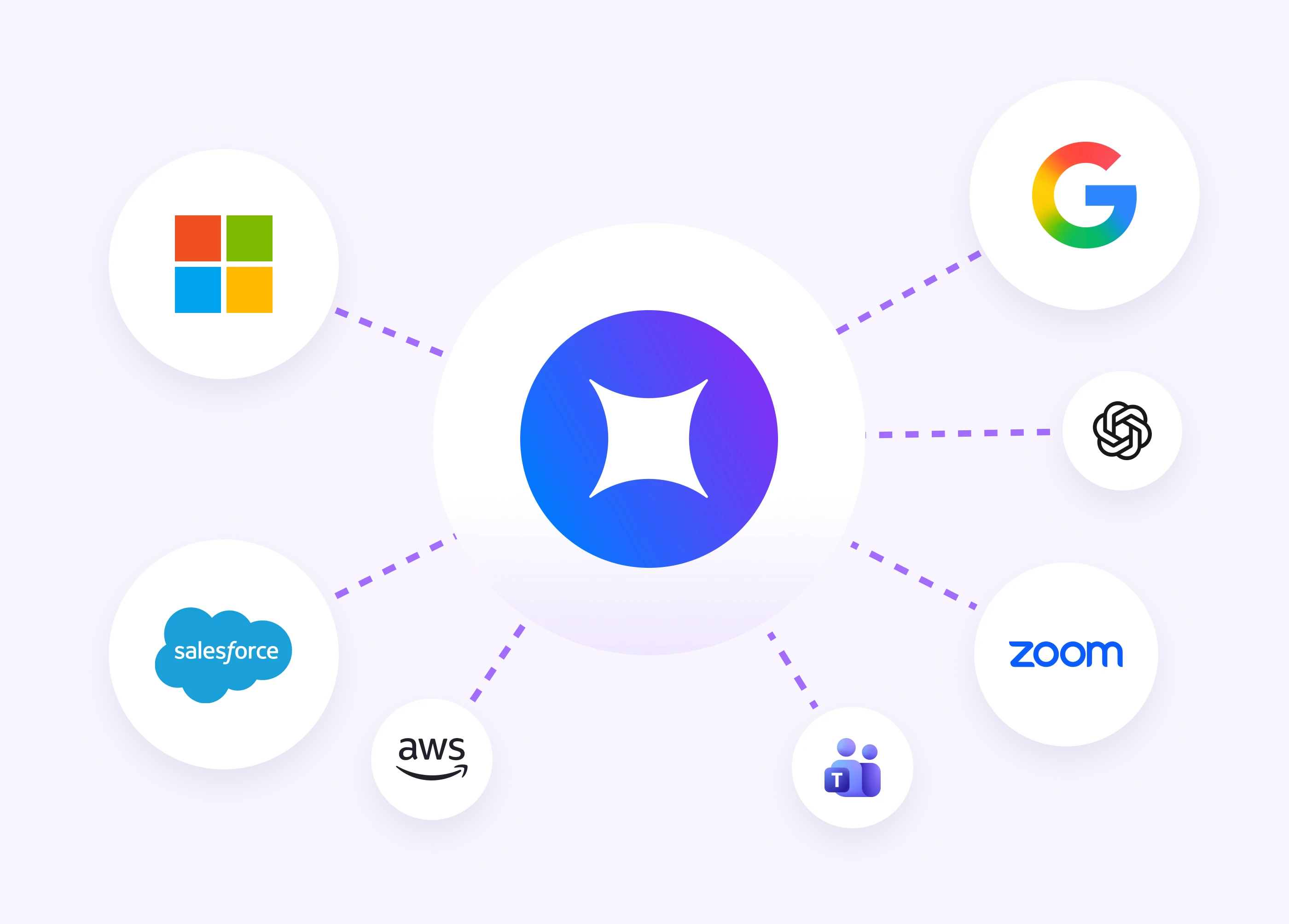
Two professionals working on laptops at a shared desk, surrounded by floating icons of cloud apps including AWS, Google, Salesforce, HubSpot, Meta, Notion, and Excel
Person working on a laptop and phone surrounded by floating app tiles with mixed access indicators — some approved with blue checkmarks, others blocked with red X marks

Closing Licensing Gaps

Add device trust from day one

Many clients rely on Google Workspace as their default sign-in layer. HENNGE Identity adds the access controls MSPs need to strengthen that environment, including:

  • Device certificates

  • Conditional access

  • Secure login protection

  • SSO

  • Lifecycle management

  • Secure browser protection

SIMPLIFY AT SCALE

Make fake login pages easier to spot

Attackers do not need to break Google security to get in. They can send a realistic phishing email, lead users to a fake Google login page, and capture credentials as the user signs in.

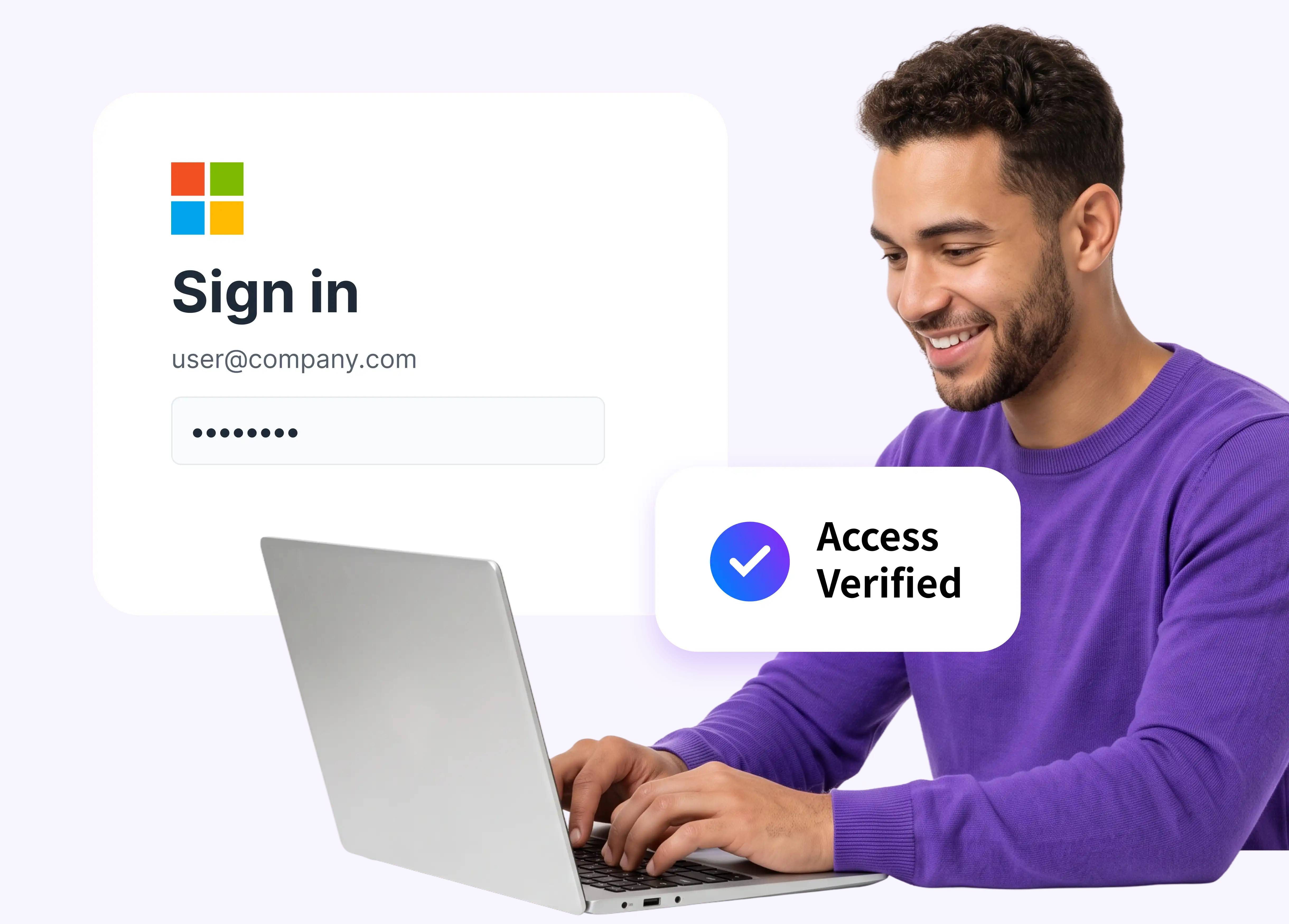
HENNGE Identity gives each client a branded login screen employees recognize, making fake or unfamiliar sign-in pages easier to question.
Person working on a laptop and phone surrounded by floating app tiles with mixed access indicators — some approved with blue checkmarks, others blocked with red X marks

SIMPLIFY AT SCALE

Enforce conditional access without the complexity

Give your team a repeatable way to manage access security across Google Workspace, Microsoft 365, and SaaS environments.

Set policies once. Apply them across clients. Reduce inconsistency without adding unnecessary complexity.

Team members collaborating in a modern office, shown with a purple and blue color overlay

Start where the gap is already visible

HENNGE Identity is a strong fit for clients with:

Google Workspace environments

Basic MFA but no conditional access

Remote users, BYOD, or unmanaged devices

Shared apps and cloud admin logins

Cyber insurance renewals, audits, or vendor reviews

Mixed Google Workspace, Microsoft 365, and SaaS environments

Team members collaborating in a modern office, shown with a purple and blue color overlay

Start where the gap is already visible

HENNGE Identity is a strong fit for clients with:

Google Workspace environments

Basic MFA but no conditional access

Remote users, BYOD, or unmanaged devices

Shared apps and cloud admin logins

Cyber insurance renewals, audits, or vendor reviews

Mixed Google Workspace, Microsoft 365, and SaaS environments

Feature comparison

Feature comparison

Okta Starter

Okta Starter

Okta Core

Essentials

Okta Core

Essentials

Okta

Essentials

Okta

Essentials

HENNGE Identity

HENNGE Identity

Single Sign-On

Single Sign-On

Yes

Yes

Yes

Yes

Yes

Yes

Yes

Yes

Basic MFA (2-Step Verification)

Basic MFA (2-Step Verification)

Yes

Yes

Yes

Yes

Yes

Yes

Yes

Yes

Full MFA with policy control

Full MFA with policy control

Extra fee

Extra fee

Yes

Yes

Yes

Yes

Yes

Yes

Context-Aware Access

Context-Aware Access

No

No

Partial

Partial

Partial

Partial

Yes

Yes

Device Trust (device certificate)

Device Trust (device certificate)

Extra fee

Extra fee

Extra fee

Extra fee

Extra fee

Extra fee

Yes

Yes

Lifecycle Management

Lifecycle Management

Extra fee

Extra fee

Limited³

Limited³

Yes

Yes

Yes

Yes

Branded secure login screen

Branded secure login screen

No

No

No

No

No

No

Yes

Yes

Secure Browser (data loss prevention)

Secure Browser (data loss prevention)

No

No

No

No

No

No

Yes

Yes

Monthly billing, no lock-in

Monthly billing, no lock-in

No

No

No

No

No

No

Yes

Yes

¹ On/off enforcement, no device, location or time rules. ² Inventories devices, can't block a login by device. ³ Basic directory only; auto-provisioning is a paid upgrade.


 Person using a laptop and phone in a bright plant-filled workspace, with the HENNGE logo overlaid as a shield icon

Close the gaps without adding friction

Close the gaps without adding friction

HENNGE Identity layers stronger access protection into the client environment without forcing bigger contracts, complicated add-ons, or unnecessary stack sprawl.

Give clients stronger identity security.
Give your team a cleaner way to manage it.